
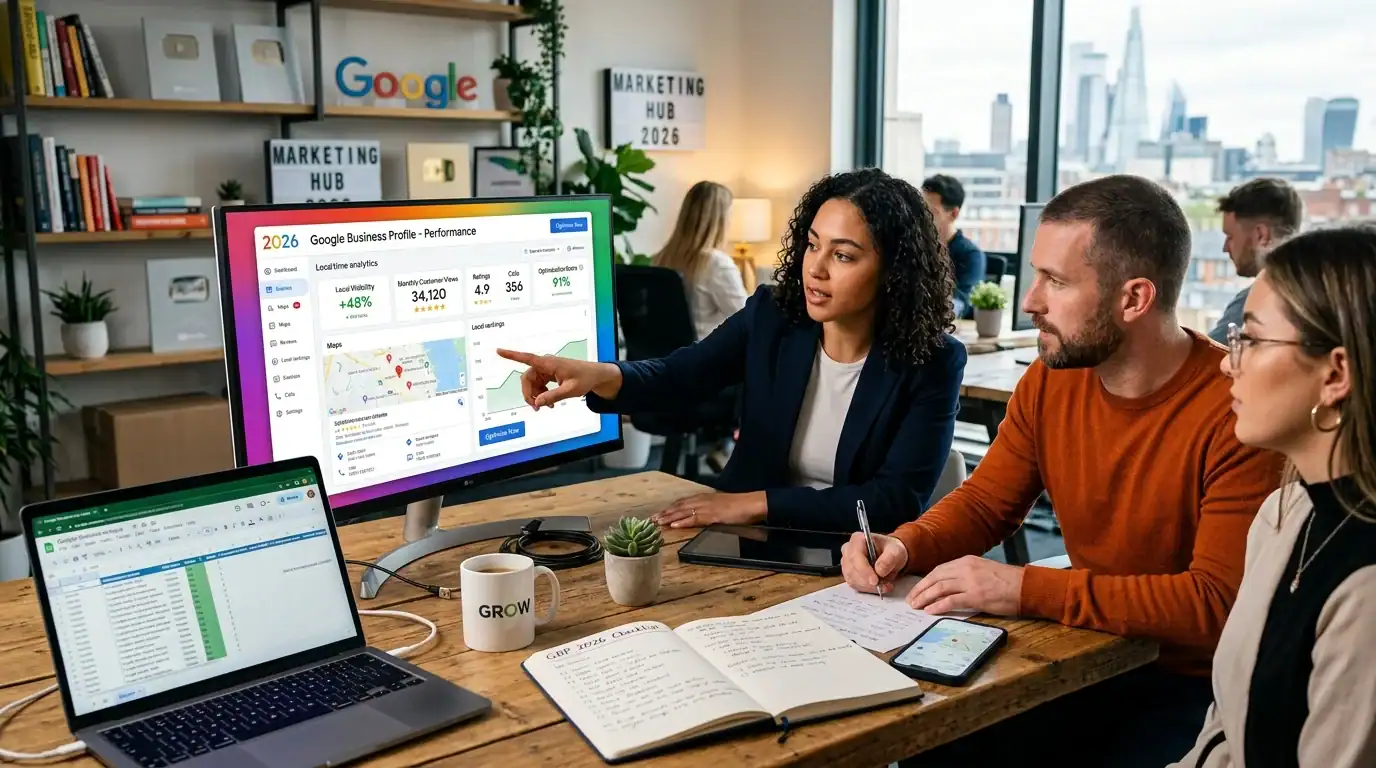
Google Business Profile Optimization: The Complete 2026 Checklist for Orlando Businesses
I’ve been helping Orlando businesses get found locally for 30 years, and I can tell you straight up: Google Business Profile optimization is the single most important thing you can do for local visibility. If your Google Business Profile isn’t properly optimized, you’re leaving money on the table.
I’ve seen businesses go from invisible to the top of the local pack just by fixing their GBP. And the best part? Most of it doesn’t cost anything. You just need to know what you’re doing.
In this guide, I’m walking you through every single thing you need to do to optimize your Google Business Profile in 2026. I’ll give you the exact checklist I use with my clients here in the Alafaya and East Orlando area, plus tips that’ll save you hours of work.
From the auditor: Dennis Ocasio has delivered digital marketing for 200+ small businesses across Central Florida over 30+ years. Every recommendation here comes from tested, real-world client work — not theory.
Why Google Business Profile Optimization Matters More Than You Think
Let me be honest with you. When someone in Orlando searches for your service, Google shows them three things first: the local pack (that map section with business listings), the ads, and then the organic results. Most people click on the local pack.
Your Google Business Profile is what appears in that local pack. If it’s not optimized, someone else is getting those clicks and those customers. It’s that simple.
According to Google’s own data, businesses with complete, accurate profiles get significantly more website visits and phone calls. We’ve seen this with my clients at Ocasio Consulting. When we optimize their GBP, phone calls go up, website traffic goes up, and they close more customers.
The beautiful thing? You don’t need a huge budget. You just need the right steps.
Step 1: Claim and Verify Your Google Business Profile

First things first. If you haven’t claimed your Google Business Profile yet, do this today. Go to google.com/business and sign in with your Google account.
If someone else has already created a profile for your business (it happens more than you’d think), you can request to manage it. Google will verify you through email, phone, or postcard.
The verification process is important. It proves to Google that you’re actually the owner of the business. Until you’re verified, your profile has limited features.
Pro tip: Use a business email address, not your personal Gmail. This makes it easier to manage later and makes your business look more professional.
Step 2: Complete Your Business Information (100% Completeness)
Here’s where most businesses mess up. They fill in the basic stuff and call it done. Wrong.
Google rewards completeness. The more information you provide, the better your profile performs in search results. Here’s exactly what you need to fill in:
Business Name
Use your exact legal business name. Don’t stuff keywords in here. For example, I use “Ocasio Consulting” not “Ocasio Consulting – Digital Marketing SEO Google Ads Expert Orlando.” Google doesn’t like keyword stuffing, and it looks unprofessional anyway.
Address and Service Area
If you have a physical location, add your complete address. For us in East Orlando, we list our address in Alafaya. Make sure the address matches exactly what’s on your business license.
If you’re a service-area business (like a plumber or contractor who travels to customers), you can set a service area instead of showing your office address. Just tell Google where you serve.
Phone Number
Add your main business phone. Ours is (321) 300-4837. Make sure this is a number where customers can actually reach you. I recommend creating a Google forwarding number too – it tracks how many calls come from Google and helps you measure results.
Website
Link to your homepage: https://ocasioconsulting.com/. Make sure this is the correct URL. If your site isn’t responsive and mobile-friendly, fix that first. Google cares about your website quality now more than ever.
Business Hours
Set accurate hours. If you’re closed on certain days, say so. If you change hours seasonally, update that too. Nothing frustrates customers more than showing up when you’re closed.
Business Description
Write a 750-1,250 character description that tells people what you do and why they should call you. Include your primary keyword naturally. Here’s an example of what I’d write:
“Ocasio Consulting is a family-owned digital marketing agency in East Orlando. For 30 years, we’ve helped local businesses get found on Google, grow on social media, and build websites that convert. We’re Google Ads Certified, HubSpot Partners, and we specialize in helping service-area businesses attract more customers.”
Notice how I included what we do, where we’re located, and what makes us different. That’s the formula.
Step 3: Choose the Right Business Categories

Categories tell Google exactly what kind of business you are. This affects who sees you in search results.
You get to choose one primary category and up to nine additional categories. Be specific. Don’t just pick something general.
For a digital marketing agency like ours, the primary category would be “Digital Marketing Agency.” But we could also add categories like “SEO Service,” “Web Design Service,” “Social Media Marketing Service,” and “Google Ads Service.”
The key is picking categories that match what your customers actually search for. If you’re a dentist, don’t just put “Dentist.” Add “Cosmetic Dentist,” “Emergency Dentist,” or “Pediatric Dentist” if those match your service.
Think about the searches YOU want to show up for, then pick categories that support those searches.
Step 4: Add High-Quality Photos and Videos
Google wants photos. Lots of them. And not stock photos. Real photos of your business, your team, your work, and your customers (with permission).
Here’s what you need:
- Cover photo: 1200×630 pixels minimum, 16:9 aspect ratio. This is what shows at the top of your profile.
- Profile photos: 250×250 pixels, square format. Show your storefront or logo.
- Business photos: At least 10-20 photos showing your space, team, products, and services. 10MP or higher resolution.
- Service/product photos: Photos of the actual work you do. For a restaurant, this is food photos. For a salon, this is before/afters. For a contractor, this is completed jobs.
- Team photos: Real people. Customers trust faces. We have photos of our team on our about page.
- Videos: If you can, add 15-30 second videos. A quick tour, a testimonial, or an explanation of what you do.
Pro tip: Update your photos monthly. Google gives more visibility to profiles with fresh, recent photos. I update ours at least once a month.
Another pro tip: Add alt text to every photo describing what’s in it. This helps Google understand your photos and helps with accessibility.
Step 5: Write an Optimized Attribute List

Attributes are the checkboxes that tell customers about your business. Do you have wheelchair accessible parking? Free Wi-Fi? Accept credit cards? These are attributes.
Go through the entire list and check every box that applies to your business. The more attributes you fill in, the more ways your profile can show up in customer searches.
For example, someone searching for “wheelchair accessible digital marketing agency in Orlando” – if we have that attribute checked, we show up.
Don’t lie about attributes. If you don’t have something, don’t check it. Google and customers check this stuff.
Step 6: Master Google Posts
Google Posts are short updates that show on your Google Business Profile. You can post news, promotions, events, or links to your website.
Posts show for about 7 days, so you need to post regularly to keep your profile fresh. I recommend at least 2-3 posts per week.
Here are the types of posts that work:
- Promotions: “Call us this month and get 20% off your first service.”
- Events: “Join our free social media workshop on March 25th.”
- Updates: “New team member spotlight: Meet Sarah, our new SEO specialist.”
- Blog links: “Check out our guide to local SEO for Orlando businesses.”
- Offers: “First-time customers get a free consultation. Call (321) 300-4837 today.”
Each post should be 100-150 words, include a photo, and have a call to action. Make sure the post links somewhere (your website, contact form, etc.) so customers can take action.
Posts are an easy win. They cost nothing and they help you rank better in Google Maps.
Step 7: Manage Reviews Like Your Business Depends On It (Because It Does)

Reviews are proof that you’re good at what you do. They’re also a ranking factor. More reviews, higher quality reviews = better local pack ranking.
Here’s what you need to do:
Ask for Reviews Regularly
After you complete a job, send a customer a text or email asking them to leave a Google review. Make it easy. Send them a direct link. Don’t make them hunt for your profile.
We ask for reviews as part of our client onboarding. It’s part of the process. Most customers are happy to do it.
Respond to Every Single Review
Positive reviews, negative reviews, all of them. Respond within 48 hours if possible. Thank them, mention specific details from their review, and invite them back.
For negative reviews, don’t get defensive. Take it offline. Say something like: “We’re sorry you had this experience. We’d love to make it right. Please call us at (321) 300-4837 so we can talk about what happened.”
When customers see that you respond to every review—especially negative ones—they trust you more. It shows you actually care.
Build a 4.5+ Star Average
Aim for at least 4.5 stars. This is realistic and achievable for most businesses. One bad review won’t tank you if you have lots of good ones.
We’ve got over 100 reviews on our Google profile. That number took time to build, but it’s worth it. New customers see that and they’re already impressed before we even talk to them.
Step 8: Answer Customer Questions in Your Q&A Section
Your Google Business Profile has a Q&A section where customers can ask questions. Don’t leave these blank.
Check your Q&A section weekly and answer every question. If someone asks “Do you offer weekend appointments?” answer it. If they ask “What’s your pricing?” answer it.
You can even add your own questions before customers do. Think about the 10 questions you get asked most often, and add them to your Q&A with answers.
This section is gold for SEO. Every question and answer is content that can show up in Google search results.
Step 9: Add Products and Services (If Applicable)
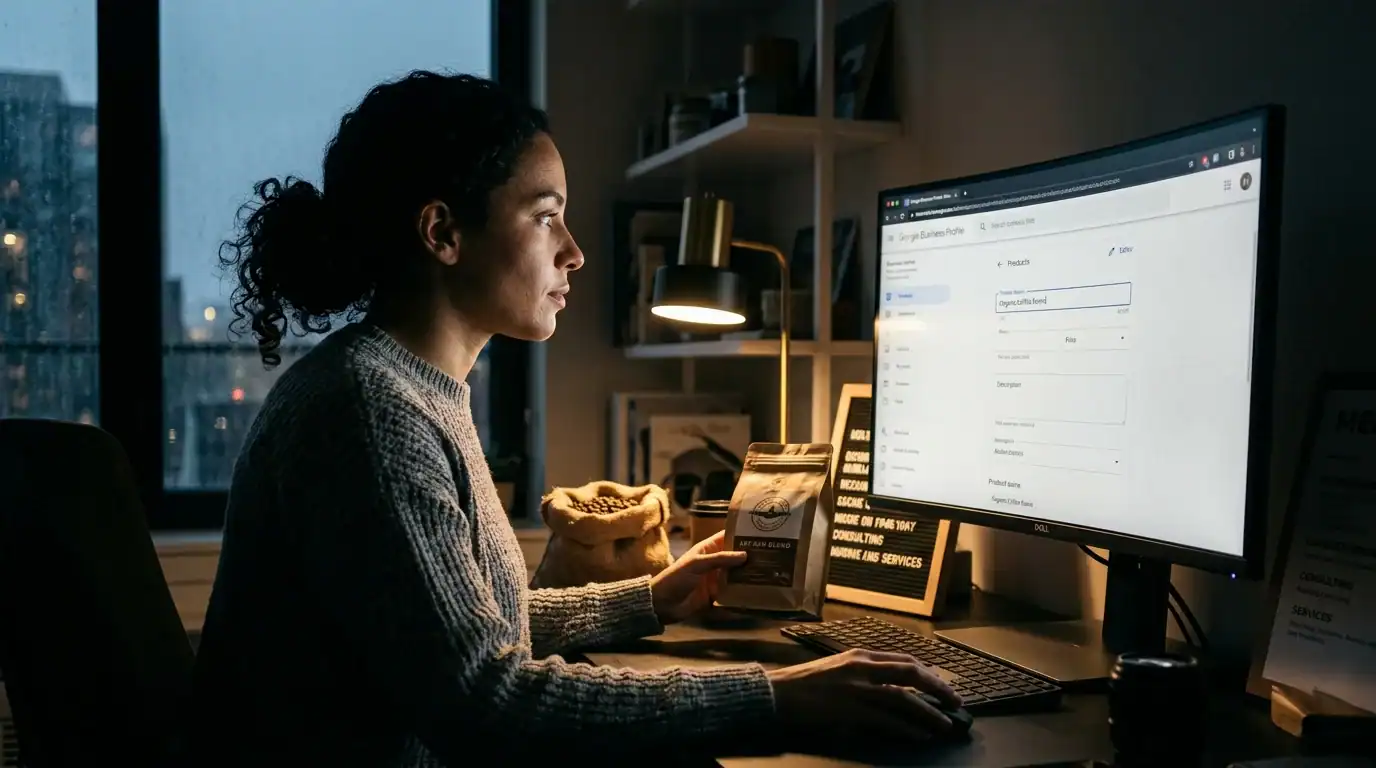
If you have a service business, add your specific services. If you have products, add them with photos and prices.
For us, we’d list services like:
- Google Business Profile Optimization
- Local SEO Services
- Web Design
- Google Ads Management
- Social Media Marketing
Each service gets a description, a photo, and a link. This makes it super easy for customers to understand what you offer.
Step 10: Use Google Business Profile for Local SEO
Your Google Business Profile is connected to your organic search ranking. When you optimize your GBP, you’re also optimizing for local SEO.
The more complete, accurate, and active your profile is, the better you rank in Google Maps and the better you rank in regular search results too.
This is especially important for service-area businesses. If you’re a plumber in Orlando, your Google Business Profile might be the first place customers see you.
Your Google Business Profile Optimization Checklist

Here’s the complete checklist you can use right now:
- Claim and verify your Google Business Profile
- Complete all business information (name, address, phone, website, hours)
- Write a compelling business description with your primary keyword
- Choose your primary category and up to 9 additional categories
- Add a cover photo (1200x630px) and profile photo (250x250px)
- Upload at least 10-20 high-quality business photos
- Add photos of your team, workspace, products, and services
- Add 1-2 short videos if possible
- Fill in all applicable business attributes
- Create a Google Posts schedule (2-3 per week)
- Ask customers for Google reviews
- Set up review response templates and commit to responding within 48 hours
- Check your Q&A section weekly and answer all questions
- Add 10 pre-written Q&A pairs with common customer questions
- Add your products/services with descriptions and photos
- Set up Google forwarding number to track call volume
- Schedule a monthly review to update photos and posts
- Connect your Google Business Profile to your SEO strategy
The Connection Between Google Business Profile and Local Pack Rankings
A lot of business owners ask me: “Will optimizing my Google Business Profile actually move me up in the local pack?”
Yes. Absolutely yes. I’ve seen it happen dozens of times with my clients.
Google’s algorithm considers completeness, consistency, reviews, and activity when ranking businesses in the local pack. Every improvement you make moves you up a little bit.
I had a client—a contractor in East Orlando—who was ranked 5th in the local pack. We optimized his Google Business Profile completely, got him more reviews, and started posting regularly. Six months later, he was in the top 3.
That wasn’t an accident. That was Google rewarding a complete, active, high-quality profile.
Common Google Business Profile Mistakes (And How to Avoid Them)
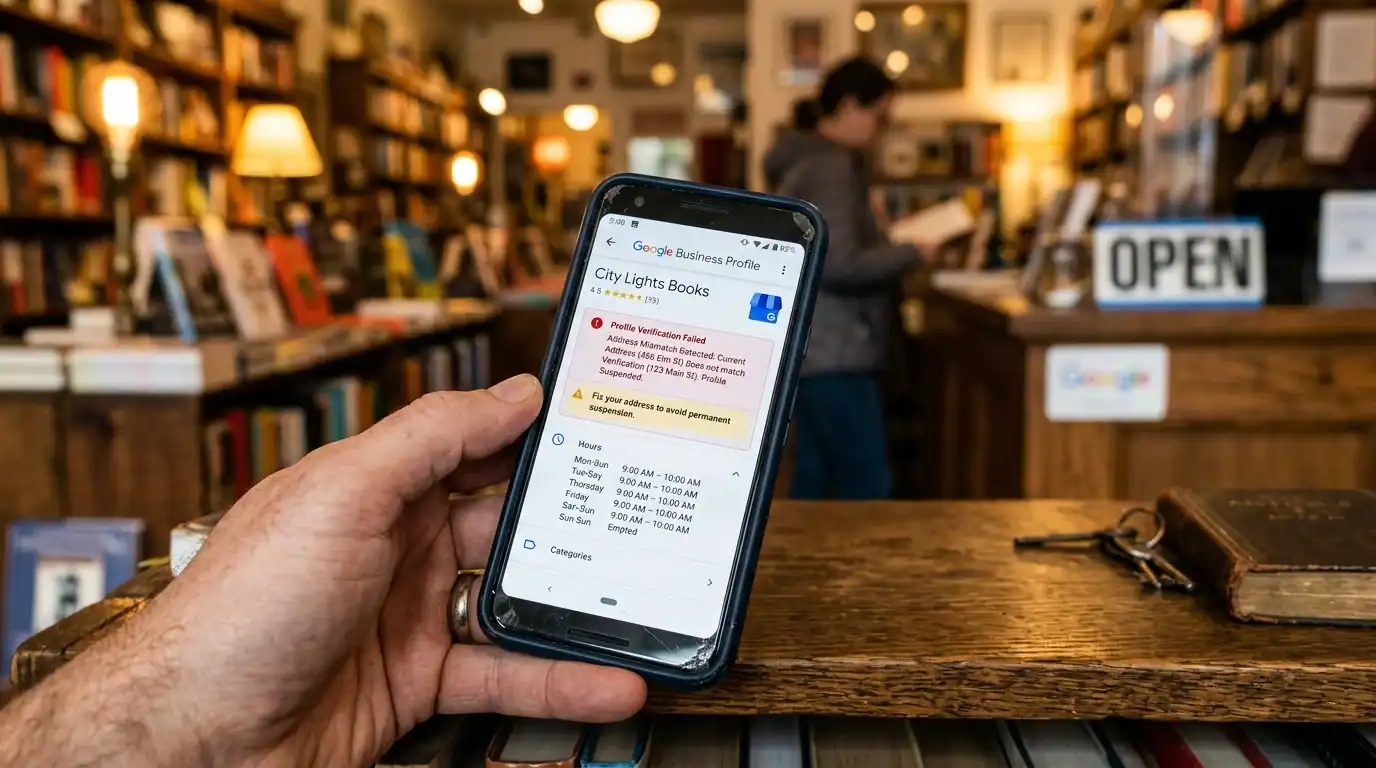
I’ve seen a lot of businesses get this wrong. Here are the most common mistakes:
Inconsistent Information
Your business name, address, and phone number need to be the same everywhere. On your website, on Facebook, on your Google profile, everywhere. If Google sees conflicting information, it gets confused and your ranking suffers.
We’re “Ocasio Consulting” everywhere. Not “Ocasio Consulting LLC” on one site and “Ocasio Consulting Inc” on another. Consistency matters.
Low-Quality or Stock Photos
Don’t use generic stock photos. Customers can tell. Take real photos of your actual business. People trust what they see.
Not Responding to Reviews
This tells Google and your customers that you don’t care. Respond to every review, good or bad.
Posting Inconsistently
Post once a month then disappear for three months. That doesn’t work. Google likes consistent activity. Post at least 2-3 times per week.
Fake Reviews
Don’t buy reviews or ask family to leave fake reviews. Google will catch it, remove the reviews, and possibly penalize your profile. It’s not worth it.
Wrong Categories
Pick categories that match what you actually do. Don’t pick popular categories just because they’re popular. Be specific.
How Ocasio Consulting Can Help
If optimizing your Google Business Profile feels overwhelming, that’s what we do. As a Google My Business Agency Certified partner, we manage Google Business Profiles for clients all across Orlando.
We handle the photos, the posts, the review responses, the Q&A section—everything. We treat it like the important business asset it is.
If you want professional help with your local SEO and Google Business Profile, reach out to us. We offer free consultations where we’ll look at your current profile and tell you exactly what you need to do.
Call us at (321) 300-4837 or email [email protected].
Frequently Asked Questions
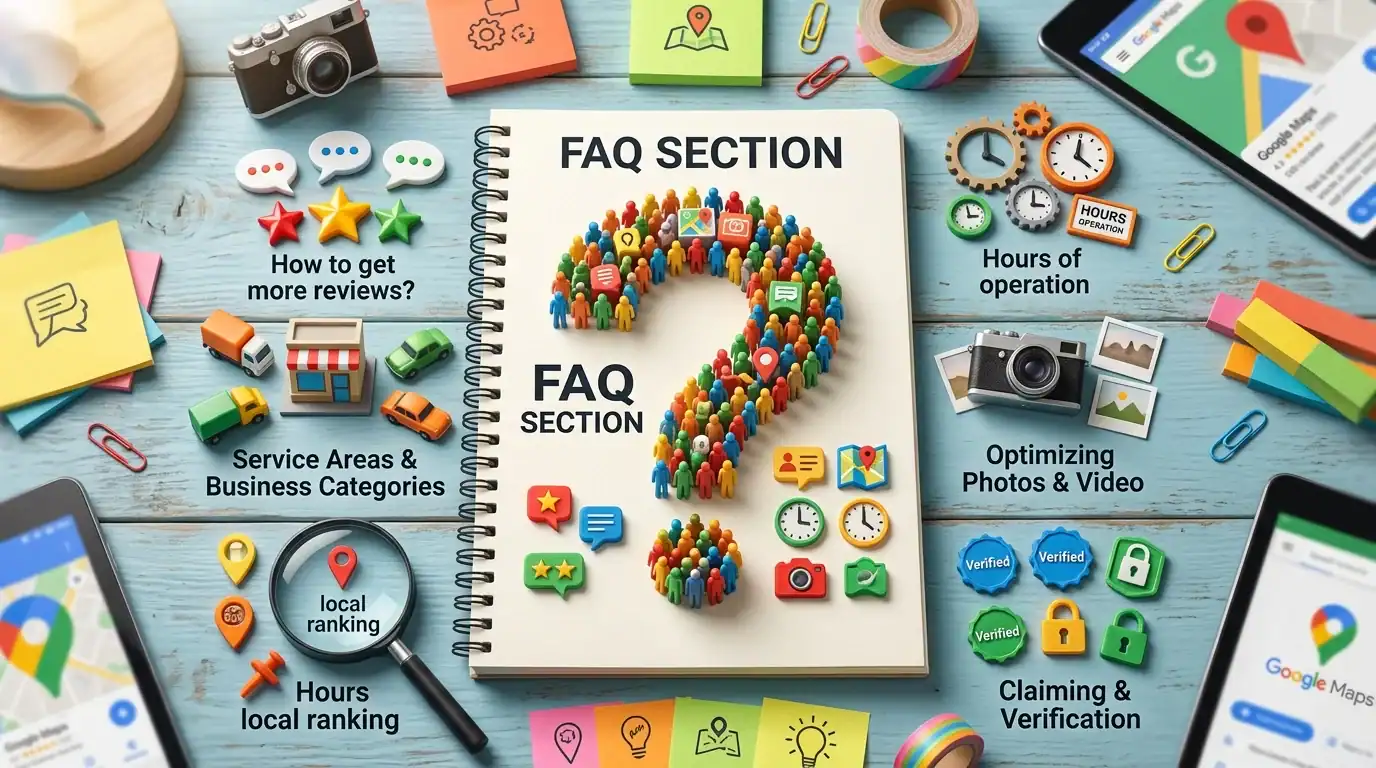
How long does it take to see results from Google Business Profile optimization?
Most businesses see improvements within 4-8 weeks. You’ll notice your profile showing up more often in search results right away. Local pack ranking improvements take a bit longer. It depends on how competitive your market is.
Do I need to pay to optimize my Google Business Profile?
No. Everything I covered in this post is free. You can optimize your own Google Business Profile without spending a dime. The only costs are your time or paying someone like us to do it for you.
How often should I post on my Google Business Profile?
2-3 times per week is ideal. This keeps your profile active and fresh. Google likes activity. If you can’t commit to that, at least post once per week.
What happens if I get a negative review?
Don’t panic. One bad review in a sea of good reviews isn’t a big deal. Respond professionally, take it offline, and try to resolve the issue. Most customers understand that no business is perfect.
Should I use my home address or my office address on my Google Business Profile?
Use your actual business address. If you’re a service-area business with no physical location, use a service area instead. Don’t use your home address unless your business is legitimately home-based. Google will verify the address anyway.
Can I have multiple Google Business Profiles if I have multiple locations?
Yes. If you have multiple physical locations, you should create a separate Google Business Profile for each one. This helps each location rank locally.
How do I get more reviews on my Google Business Profile?
Ask for them. After you complete work for a customer, send them a text or email with a direct link to your Google review page. Make it easy for them. The easier you make it, the more reviews you’ll get. We ask for reviews automatically with our clients, and it makes a huge difference.
Ready to optimize your Google Business Profile and dominate your local market? Contact us today for a free consultation. We’re family-owned, we know Orlando, and we know what it takes to get results.
Learn more about our local SEO services or read our guide to entity optimization for SEO to learn even more.
If this raised more questions than it answered, we’ve got answers to common Local SEO questions in our FAQ — covering everything from pricing and timelines to what results actually look like. You can also read verified client reviews from businesses we’ve helped across Orlando and Central Florida.