

Website Redesign: 7 Signs Your Site Needs an Upgrade in 2026
Your website is your most important marketing asset. But unlike a billboard or a business card, websites age fast. What looked modern in 2020 looks dated today. What worked on desktop five years ago doesn’t work on mobile. What ranked in Google three years ago might be invisible now. After 30 years of building and redesigning websites for businesses in Orlando, I know the warning signs. Here are 7 signs your website needs a redesign — and what to do about each one.
From the auditor: Dennis Ocasio has delivered digital marketing for 200+ small businesses across Central Florida over 30+ years. Every recommendation here comes from tested, real-world client work — not theory.
Sign #1: Your Site Isn’t Mobile-Friendly
This is the most common and most costly problem I see. Over 60% of all web traffic comes from mobile devices. Google uses mobile-first indexing — it evaluates the mobile version of your site for rankings on ALL devices, including desktop.
If your website doesn’t work perfectly on phones — text too small to read without zooming, buttons too close together and easy to mis-tap, pages that don’t fit the screen and require horizontal scrolling, images that load huge and kill your speed on cellular connections — you’re losing the majority of your visitors AND ranking lower in Google.
The test is simple: visit every page of your website on your phone. Can you read everything? Can you tap buttons easily? Can you fill out the contact form? Can you call with one tap? If any answer is no, this alone is reason enough for a redesign.
A modern responsive design adapts to every screen size automatically. WordPress themes built in the last 2-3 years handle this well. Older themes and custom sites from 2015-2018 often don’t. Check our mobile-first design guide for what a proper mobile experience looks like.
Sign #2: Your Site Loads Slowly
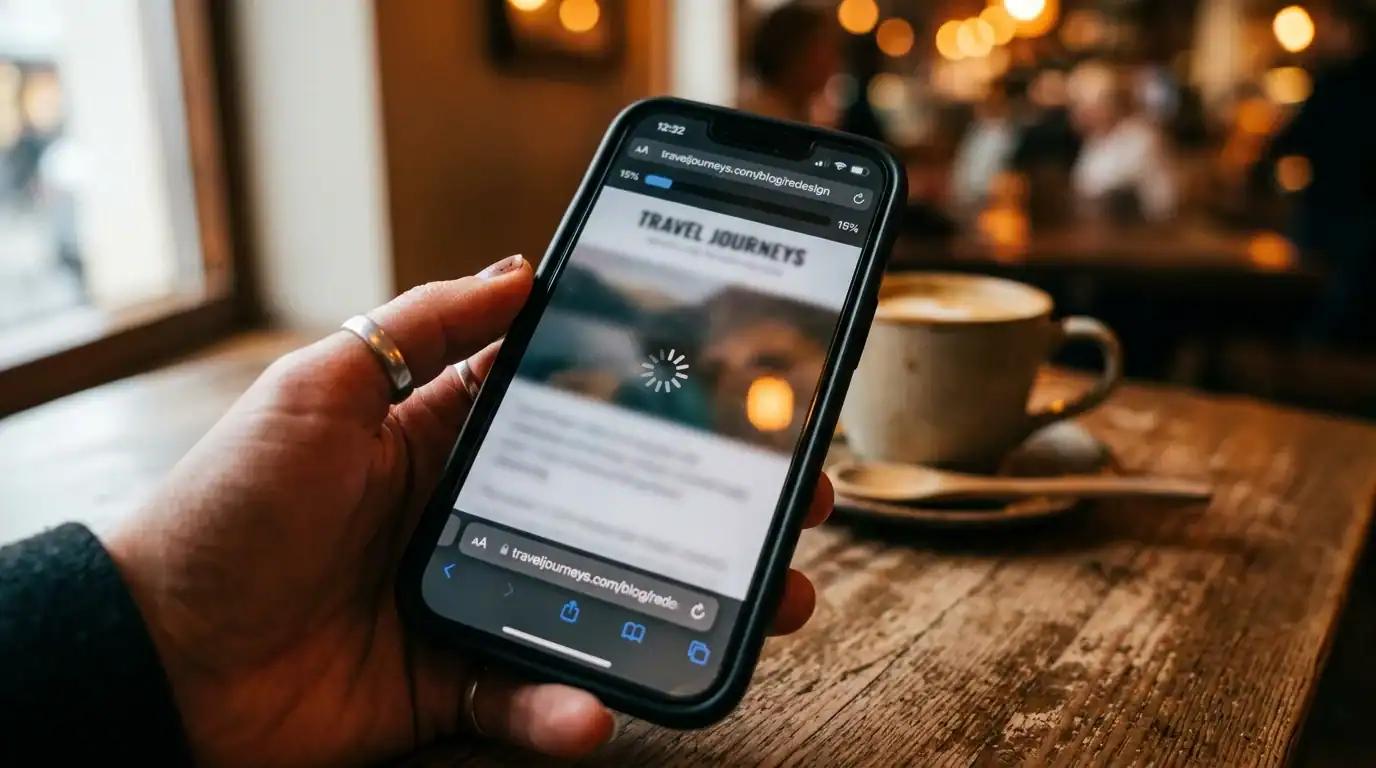
If your site takes more than 3 seconds to load on mobile, you’re losing visitors and Google is penalizing your rankings. Google measures Core Web Vitals — Largest Contentful Paint (how fast your main content appears), Interaction to Next Paint (how quickly the site responds to clicks), and Cumulative Layout Shift (how much the page jumps around while loading).
Common culprits for slow sites: unoptimized images (a single uncompressed hero image can be 5MB — that’s 3-4 seconds of load time alone), outdated or bloated code from old themes, too many WordPress plugins (each one adds CSS and JavaScript to every page), cheap shared hosting (your site shares a server with hundreds of other sites), and render-blocking scripts that prevent the browser from showing content.
Sometimes optimization fixes the speed problem. You can compress images, install a caching plugin, switch to better hosting, and clean up unused plugins. But sometimes the underlying code is so outdated that a rebuild is faster, cheaper, and more effective than patching. If your site was built more than 5 years ago on an older theme or page builder, a fresh build on a modern, lightweight theme often delivers better results than trying to optimize old code.
Run your site through Google PageSpeed Insights (pagespeed.web.dev) to see your current scores. Our website speed optimization guide covers the full technical details.
Sign #3: Your Bounce Rate Is Above 70%
Your bounce rate is the percentage of visitors who land on your site and leave without visiting a second page or taking any action. Some bounce is normal — not every visitor becomes a customer. But if more than 70% of visitors are leaving immediately, something is fundamentally wrong.
High bounce rate causes:
- Slow loading: People leave before the page finishes loading
- Confusing navigation: Visitors can’t find what they’re looking for within seconds
- Mismatched expectations: Your Google listing or ad promises one thing, but your landing page delivers something different
- Poor design: The site looks unprofessional, outdated, or untrustworthy
- No clear CTA: Visitors don’t know what to do next (call? fill out a form? browse services?)
- Irrelevant content: The page doesn’t answer the question the visitor was searching for
Check your bounce rate in Google Analytics under Engagement → Pages and Screens. A healthy bounce rate for service business pages is 40-60%. Landing pages from ads can run higher (60-70%) if the visitor found their answer. Blog posts naturally have higher bounce rates (60-80%) because people read the article and leave. But if your service pages are bouncing at 80%+, your site has a problem.
Sign #4: Your Design Looks Outdated
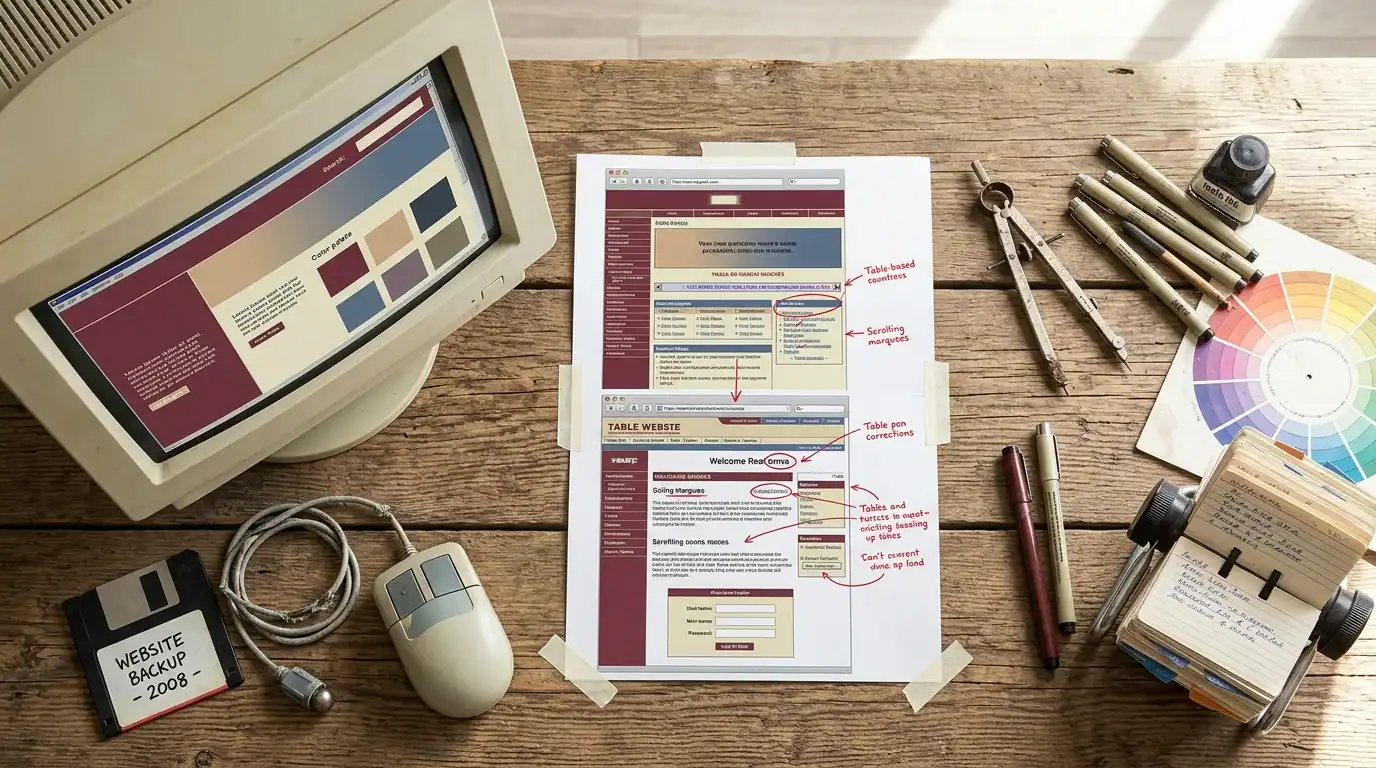
Web design trends change roughly every 3-5 years. What looked cutting-edge in 2018 looks dated now. Specific signs your design has aged out:
- Small fonts: Websites used to use 12-14px body text. Modern sites use 16-18px. Small text feels cramped and hard to read
- Busy, cluttered layouts: Older designs crammed everything above the fold. Modern design uses whitespace generously to let content breathe
- Stock photos that look like stock photos: Generic business people shaking hands, pointing at laptops, and smiling at nothing. Visitors know these are fake. Real photos of your team, your work, and your office build trust
- Slider/carousel banners: Those rotating image banners on the homepage. They were popular in 2015. Nobody clicks on them (literally less than 1% CTR on slide 2+) and they slow down your page. Replace with a single, focused hero section
- Tiny navigation text: If your menu items are 10px and barely readable, your nav is outdated
- Flash elements: If your site still uses Flash for any feature, it’s broken on every modern browser. Flash was discontinued in 2020
- No video: Modern websites use video — hero videos, testimonial videos, explainer videos. If your site is 100% static text and images, it feels behind the times
First impressions are formed in 0.05 seconds. That’s 50 milliseconds. Before a visitor reads a single word, they’ve already judged your business based on how your site looks. An outdated design says “this business isn’t keeping up.” A modern design says “this business is professional and current.”
Sign #5: You Can’t Update Content Yourself
If changing your phone number, updating your hours, or adding a blog post requires calling a developer and waiting (and paying) for the change, your CMS is either outdated, missing entirely, or built on a proprietary platform that locks you in.
Modern WordPress sites give you full control. You can update any text, swap any image, add new pages, publish blog posts, change your menu, and manage your contact information — all through a visual editor that requires zero coding knowledge.
If your current site doesn’t allow this, a rebuild on WordPress pays for itself within the first year in saved developer costs. Instead of paying $50-$150 every time you need a small change, you make the change yourself in 5 minutes. Over 12 months of regular updates, that savings adds up to thousands of dollars.
Our web design services build every site on WordPress so clients maintain full ownership and editing control from day one.
Sign #6: Your Competitors’ Sites Are Better Than Yours
Here’s a reality check exercise: search your main keywords in Google. Click on the top 5 results (your competitors). Now honestly compare their websites to yours. Look at:
- Do their sites look more professional and modern than yours?
- Do their sites load faster?
- Do they have more content (blog posts, service pages, case studies)?
- Do they have more reviews and testimonials displayed prominently?
- Do they have clearer CTAs and easier ways to contact them?
- Do they have video, interactive elements, or other engaging features yours lacks?
If every competitor’s site outclasses yours in multiple areas, you’re losing business to them purely on web presence. Customers comparison-shop online before they call anyone. If your site doesn’t hold up against the competition, you don’t even get the chance to compete on service quality and pricing.
This isn’t about having the fanciest website. It’s about meeting the baseline expectations of your market. If your competitors have set a standard with their sites, you need to meet or exceed that standard to be competitive.
Sign #7: Your Site Doesn’t Generate Leads
This is the ultimate sign — the one that overrides everything else. If your website gets traffic but produces zero phone calls, zero form submissions, and zero leads, something is fundamentally broken. It could be:
- No clear call to action: Visitors don’t know what to do. Your phone number is buried in the footer. Your contact form is only on the Contact page. There’s no “Get a Quote” button anywhere visible
- No trust signals: No reviews, no testimonials, no certifications, no BBB badge, no “years in business” mention. Visitors don’t trust you enough to call
- Wrong traffic: Your SEO is targeting keywords that bring researchers, not buyers. “What is web design” attracts students. “Web design company Orlando” attracts buyers
- Poor user experience: The site is confusing, slow, or difficult to navigate. Visitors give up before finding what they need
- Weak content: Your service pages don’t explain what you do, who you do it for, or why someone should choose you. They’re thin, generic, and unconvincing
A strategic redesign focused on conversion rate optimization addresses all of these issues. The goal isn’t just a prettier website — it’s a website that generates measurable business results.
When to Redesign vs When to Optimize

Not every problem requires a full rebuild. Sometimes targeted optimization is enough:
Optimize (don’t rebuild) if:
- Your site is on WordPress or another modern CMS that you can update
- Only 1-2 of the 7 signs apply to your site
- Your overall design is decent but needs content improvements, CRO fixes, or speed optimization
- Your budget is tight and you need to improve incrementally
- Your site was built within the last 3 years on a responsive theme
Redesign (full rebuild) if:
- 3 or more of the 7 signs apply
- Your site is on an outdated or proprietary platform you can’t update yourself
- The underlying code is so old that fixing it costs more than rebuilding
- You’ve rebranded, changed your services, or fundamentally shifted your business
- Your site doesn’t have responsive design at all (separate mobile site or no mobile version)
- Your site was built before 2019 and hasn’t been significantly updated since
What a Modern Website Redesign Includes
A proper redesign in 2026 isn’t just making things look prettier. It’s a strategic rebuild designed for performance:
- Responsive, mobile-first design: Works perfectly on every device from the start
- Fast loading: Under 3 seconds on mobile. Optimized images, clean code, proper hosting
- SEO-optimized structure: Proper URL structure, title tags, meta descriptions, heading hierarchy, schema markup, XML sitemap
- Conversion-focused layout: Clear CTAs on every page, prominent phone number, easy-to-find contact forms, social proof near decision points
- Content management system (WordPress): You can update everything yourself without calling a developer
- Analytics and tracking: Google Analytics 4, conversion tracking, and SEOPress built in from day one
- 301 redirects: All old URLs properly redirect to new URLs so you don’t lose existing search rankings or break bookmarked links
- Accessibility basics: Proper heading structure, image alt text, keyboard navigation, color contrast standards
How Much Does a Website Redesign Cost?

A professional website redesign for a small business costs $3,000-$15,000 depending on:
- Number of pages (a 5-page site costs less than a 30-page site)
- Custom features (e-commerce, booking systems, client portals add complexity)
- Content creation (do you have content ready or does it need to be written?)
- Design complexity (template-based vs fully custom design)
- SEO and migration requirements (redirects, content optimization, schema setup)
See our complete website cost guide for detailed breakdowns by project type, and our pricing page for transparent rates.
The ROI of a redesign is usually measurable within 3-6 months. If your current site generates 5 leads per month and a redesigned site generates 15, that’s 10 additional leads per month. At $500-$5,000 per customer, the redesign pays for itself quickly.
The Redesign Process: What to Expect
- Discovery (Week 1): We audit your current site, review your competitors, discuss your goals, and plan the new site structure
- Wireframes (Week 2): We map out the layout of each page — where content goes, where CTAs go, how navigation works
- Design (Weeks 3-4): We create the visual design matching your brand — colors, typography, imagery, style
- Development (Weeks 4-6): We build the site on WordPress with all features, content, and optimizations
- Content migration (Week 6): We move your existing content and set up 301 redirects from all old URLs
- Testing (Week 7): We test on every device, every browser, and check all functionality
- Launch (Week 8): We go live, submit the new sitemap to Google, and monitor for any issues
Total timeline: 6-8 weeks for a standard small business site. More for complex projects with e-commerce or custom features.
Frequently Asked Questions

Will a redesign hurt my SEO rankings?
Not if done properly. With correct 301 redirects from every old URL to its corresponding new URL, your rankings transfer. A good redesign actually improves SEO through better speed, mobile experience, content, and technical structure. A bad redesign — one that ignores redirects, changes URL structure carelessly, or removes existing content — can temporarily hurt rankings. That’s why migration planning is a critical part of the process.
How long does a website redesign take?
6-8 weeks for a standard small business site (5-20 pages). 8-12 weeks for larger or more complex sites with e-commerce, custom features, or extensive content creation. Rush projects are possible but typically result in compromises on quality or scope.
Can I keep my existing content?
Yes. But a redesign is also the perfect opportunity to audit and improve your content. Pages that are outdated, thin, or off-topic should be removed or rewritten. Content that performs well should be preserved and enhanced. We typically recommend a content audit as part of every redesign project.
Should I redesign or build a new site from scratch?
If your current site is on WordPress, a redesign (new theme, restructured content, optimized design) is usually faster and cheaper. If your site is on an outdated or proprietary platform, building from scratch on WordPress is often the better path because it gives you a clean, modern foundation.
How often should I redesign my website?
Every 3-5 years for a major redesign. Annually for smaller updates (refreshing content, adding new pages, improving speed, adding new features). Technology and design trends evolve fast enough that a 5-year-old site usually has significant issues worth addressing.
What if I can’t afford a full redesign right now?
Start with the highest-impact fixes: speed optimization, adding a clear CTA and phone number to every page, and improving your mobile experience. These quick wins can improve leads without a full rebuild. Then plan and budget for a complete redesign when you’re ready.
Next Steps
Think your site needs a redesign? Get a free website audit or call (321) 300-4837. We’ll look at your current site and tell you honestly whether you need a full rebuild or just targeted improvements.
Check our web design services and website redesign services for our full approach. See our website cost guide for pricing.
If this raised more questions than it answered, we’ve got answers to common Web Design questions in our FAQ — covering everything from pricing and timelines to what results actually look like. You can also read verified client reviews from businesses we’ve helped across Orlando and Central Florida.