Video Marketing in 2026: Strategy and Best Practices for Small Businesses
Video marketing isn’t optional anymore. 91% of businesses use video as a marketing tool. 88% of consumers say watching a brand’s video convinced them to buy a product or service. On every platform — YouTube, Instagram Reels, TikTok, Facebook, LinkedIn — video content gets 2-3x more engagement than static images or text posts.
But most small businesses either aren’t making videos at all, or they’re making the wrong kind. They think video marketing means hiring a production crew and spending $10,000 on a commercial. It doesn’t. The most effective video marketing for small businesses in 2026 is shot on a phone, edited in 15 minutes, and posted consistently.
I’ve been in marketing for 30 years, and video is the single biggest shift I’ve seen in how businesses connect with customers. Let me show you what actually works.
From the auditor: Dennis Ocasio has delivered digital marketing for 200+ small businesses across Central Florida over 30+ years. Every recommendation here comes from tested, real-world client work — not theory.
Why Video Works Better Than Any Other Content Format
Video dominates every metric that matters for marketing:
Attention. Video stops the scroll. In a feed full of text and images, a moving video catches the eye and holds it. The average person watches 100 minutes of online video per day. That’s 100 minutes where your business could be in front of them.
Trust. Seeing a real person talk about their business builds trust faster than reading words on a page. People buy from people they know, like, and trust. Video accelerates all three — in 60 seconds, someone can hear your voice, see your face, understand your personality, and form an opinion about whether they want to work with you. No amount of written content does that as quickly.
SEO impact. Pages with video are 53x more likely to rank on page 1 of Google. YouTube is the world’s second-largest search engine (after Google itself). When you publish videos on YouTube and embed them on your website, you’re doubling your search presence. Google increasingly shows video results for informational and how-to queries.
Conversion boost. Landing pages with video increase conversions by 80%. Video explains complex services better than text because viewers see and hear the explanation simultaneously. A 2-minute video walkthrough of your design process converts better than a 2,000-word description of the same process.
Sharing potential. Video is shared 1,200% more than text and images combined on social media. Your reach multiplies when people share your videos with their friends and colleagues. One viral video can do more for your brand awareness than months of blog posts.
Retention. Viewers retain 95% of a message when they watch it in video, compared to 10% when reading it in text. If you have something important to communicate — your value proposition, a how-to guide, a client testimonial — video is the format that sticks.
Video Types That Work for Small Businesses
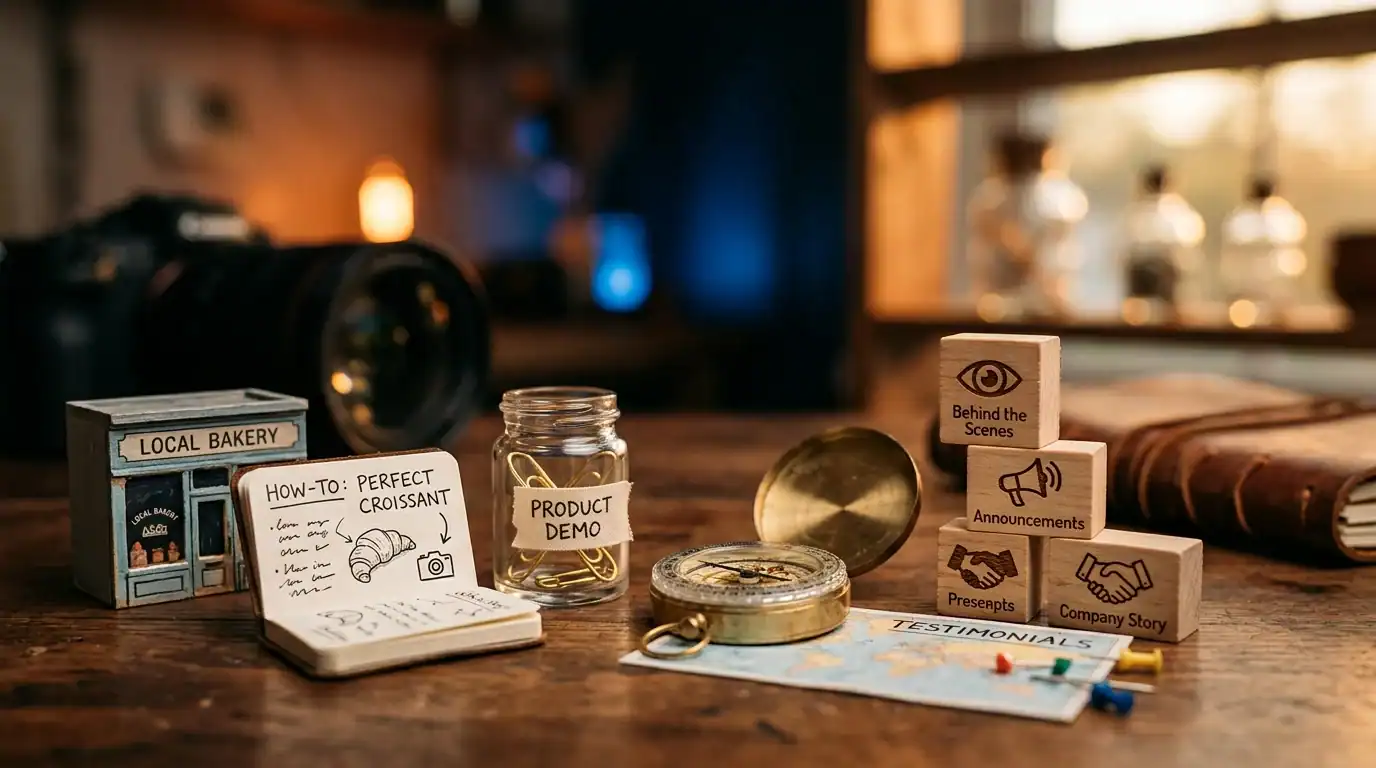
You don’t need every type of video. Pick 2-3 that match your business and master them before expanding.
Short-Form Vertical Video (Reels, TikTok, Shorts)
15-90 seconds. Shot on your phone. Vertical format. This is where the algorithm reward is highest right now on every major platform. Instagram Reels, TikTok, YouTube Shorts, and Facebook Reels all prioritize short vertical video in their feeds.
What to make:
- Quick tips: 30-60 seconds sharing one piece of useful advice. “3 things to check before hiring a web designer.” “The #1 SEO mistake I see small businesses make.” Short, specific, actionable
- Before and after: Show the transformation your work creates. A contractor showing the kitchen before and after renovation. A designer showing the website before and after redesign. This format stops scrolls because people are wired to look at transformations
- Behind-the-scenes: Show your daily work life. Your office, your team, your process, your morning routine. People connect with people, not logos. A 30-second clip of you at your desk working on a client project with a voiceover about what you’re doing humanizes your business
- Trending audio: Use trending sounds and music from the platform’s library. The algorithm boosts content that uses trending audio because it keeps people on the platform longer. Even a simple clip of your work set to a popular song can get significant reach
- Mistakes and lessons: “The biggest mistake I made this week” or “What I learned from losing a client.” Vulnerability and honesty perform incredibly well because they’re rare in a sea of polished corporate content. Bloopers and failures actually get watched more than perfect takes
- Educational content: Teach something useful in 30-60 seconds. “How to check if your website is mobile-friendly in 10 seconds.” “The one Google setting every local business should turn on.” Educational content gets saved, shared, and watched multiple times
Phone quality is not just acceptable — it’s preferred. Polished, produced content often performs worse than authentic phone footage because it looks like an ad. People scroll past ads. They stop for real people sharing real things.
Testimonial Videos
A happy customer on camera saying “They did great work and I’d recommend them to anyone” is more powerful than 100 written reviews. It’s the difference between reading a 5-star review and hearing a real person tell you their story with genuine emotion.
How to get testimonial videos: Ask your best customers after a successful project. Offer to shoot it for them (pull out your phone and ask 3 questions: What was your challenge? What was the experience like working with us? What were the results?). Most customers are happy to do it — they just need to be asked and made comfortable. Keep it 30-90 seconds. Unscripted is better than scripted because it feels authentic.
Explainer and How-To Videos
Teach something useful that demonstrates your expertise. “How to prepare for a website redesign.” “5 things to check on your Google Business Profile right now.” “What to expect during your first marketing consultation.” Educational content positions you as the expert — so when viewers need your service, you’re the first person they think of.
These videos work especially well on YouTube because people search for how-to content on YouTube the same way they search on Google. A well-optimized YouTube how-to video can drive traffic for years.
About Us / Team Introduction Videos
Show your face. Introduce your team. Give people a sense of who they’ll be working with when they hire your business. A 2-3 minute video of you talking about why you started your business, what you believe in, and what makes you different creates more connection than any written About page.
This video belongs on your website’s About page, your YouTube channel, and your social media profiles. It’s the video version of your elevator pitch — and it converts because people do business with people they feel they know.
Process and Behind-the-Scenes Videos
Show how you work. A contractor showing a project in progress. A chef showing dinner prep. A designer walking through their creative process on screen. A marketer showing their analytics dashboard and explaining what the numbers mean.
Process videos build trust because they show competence in action. When a potential customer sees you skillfully handling your craft, they’re more confident in hiring you. It’s the video equivalent of watching a surgeon scrub in — the process itself creates confidence in the outcome.
Video Production: You Don’t Need Hollywood
The #1 excuse I hear from small business owners: “We can’t afford professional video production.” You don’t need it. The most effective small business videos in 2026 are made with tools you already have.
What you actually need:
- Your smartphone: Modern smartphones shoot 4K video. iPhone 13 and newer, Samsung Galaxy S21 and newer — the camera quality is more than enough for any social media or website video. No additional camera equipment required
- Natural light: The single biggest factor in video quality. Stand near a window. Face the light source (not away from it). Natural light flatters everyone and costs nothing. Avoid overhead fluorescent lighting — it makes everyone look sick. If you’re shooting after dark, a $30 ring light from Amazon solves the problem
- A quiet space: Background noise ruins videos faster than bad lighting. Find a quiet room. Close the door. Turn off the AC if it’s noisy. If you’re outside, use a clip-on microphone ($15-$30 on Amazon). Audio quality matters more than video quality — people will watch a grainy video with clear audio, but they’ll click away from a beautiful video with bad sound
- A simple editing app: CapCut (free) handles 90% of what you need. It can add captions (critical — 80% of videos are watched without sound), trim clips, add text overlays, apply transitions, and export in the right format for each platform. InShot is another good free option. You don’t need Adobe Premiere or Final Cut Pro
- Consistency over perfection: Post 2-3 videos per week. Quality improves naturally with practice. Your 50th video will be dramatically better than your first — not because you bought better equipment, but because you got comfortable on camera and learned what your audience responds to
Total investment for a complete video setup: $0-$50. Compare that to a professional video production at $2,000-$10,000 per video. The ROI of DIY video is incomparable.
Video SEO: Getting Your Videos Found on Google and YouTube
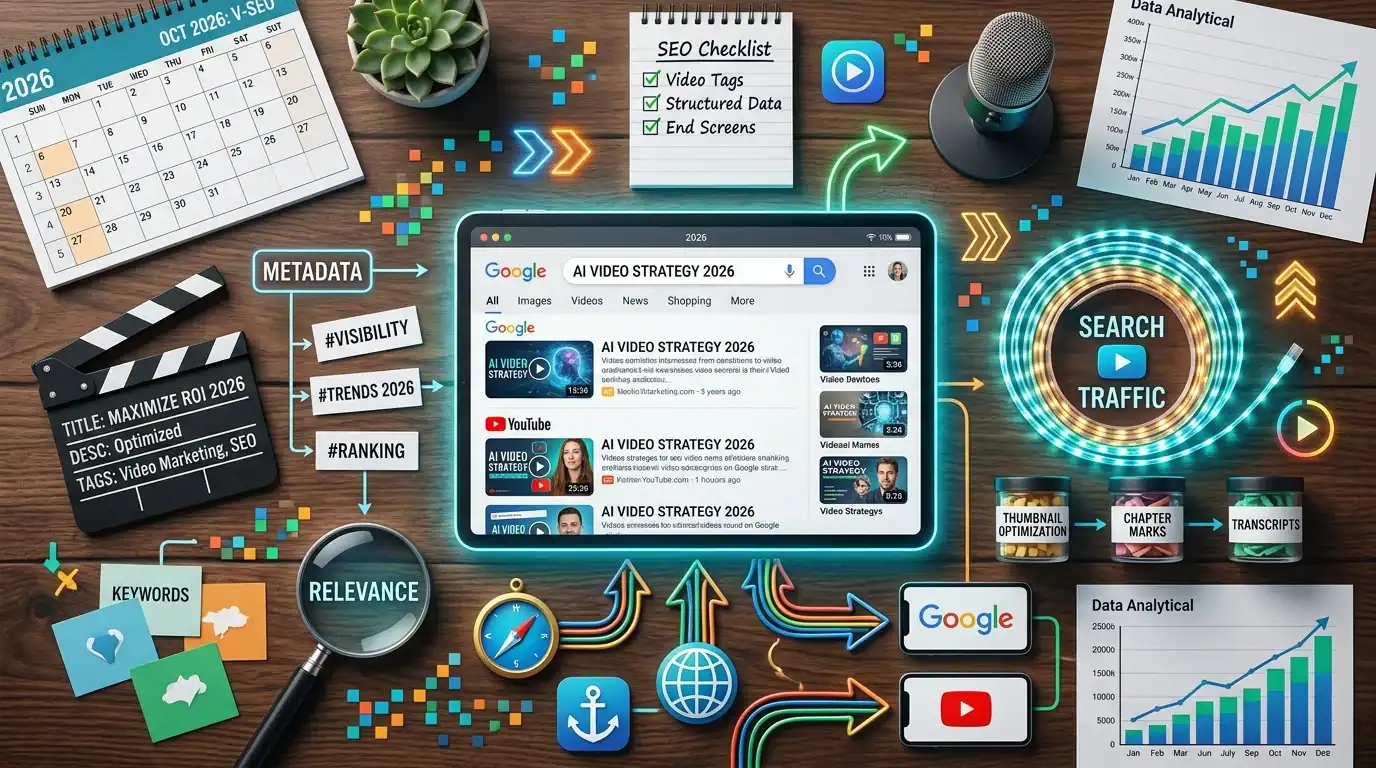
Making videos is only half the battle. Getting them found is the other half. Here’s how to optimize your videos for search:
YouTube Optimization
- Titles: Include your target keyword. “How Much Does Web Design Cost in Orlando?” targets a specific search that real people make. Front-load the keyword — don’t bury it at the end of a long title
- Descriptions: Write 200+ word descriptions with your keywords, timestamps for different sections, and links to your website. YouTube’s algorithm reads descriptions to understand what your video is about
- Tags: Add 10-15 relevant tags per video. Include your main keyword, variations, and related terms
- Thumbnails: Custom thumbnails with text overlay get 30% more clicks than auto-generated ones. Use a clear image of your face (or the subject), add 3-5 words of text that complement the title, and use bright, contrasting colors
- Chapters: Use timestamps in your description to create chapters. This helps viewers navigate and helps YouTube understand your content structure
Website Video Optimization
- Embed on relevant pages: Embed YouTube videos on your blog posts and service pages. A video about web design costs belongs on your web design service page and your website cost blog post
- Video schema markup: Add VideoObject schema to pages with embedded videos. This can earn you video rich snippets in Google search results — a thumbnail that dramatically increases click-through rates
- Transcripts: Add a written transcript below embedded videos. Google can’t watch your video, but it can read the transcript. This gives you additional keyword-rich content on the page
Social Media Video Optimization
- Captions always: Add text captions to every video. 80% of social media video is watched with sound off. Without captions, 80% of your audience can’t understand your message
- Hook in the first 2 seconds: The first 2 seconds determine whether someone stops scrolling or keeps going. Start with your most interesting, surprising, or valuable statement — not “Hey guys, welcome to my channel”
- Native uploads: Upload videos directly to each platform instead of sharing YouTube links. Every platform’s algorithm favors native content over external links. Yes, this means uploading the same video separately to Instagram, Facebook, LinkedIn, and TikTok
- Hashtags and keywords: Use relevant hashtags and keywords in your captions. Instagram and TikTok’s search functions are getting more sophisticated — people search for topics on these platforms now
Video Content Calendar: What to Post and When
Here’s a sustainable video schedule for a small business:
- Monday: Quick tip Reel/Short (30-60 seconds, one piece of advice)
- Wednesday: Behind-the-scenes or process video (show your work)
- Friday: Educational or how-to content (teach something useful)
That’s 3 videos per week. Each takes 15-30 minutes to shoot and 15-30 minutes to edit. Total weekly time investment: 1.5-3 hours. That’s manageable for any business owner, and it’s enough to build real momentum on any platform.
If you can only do one video per week, choose a Reel/Short. That’s where the algorithm reward is highest and the production barrier is lowest.
Measuring Video Marketing ROI
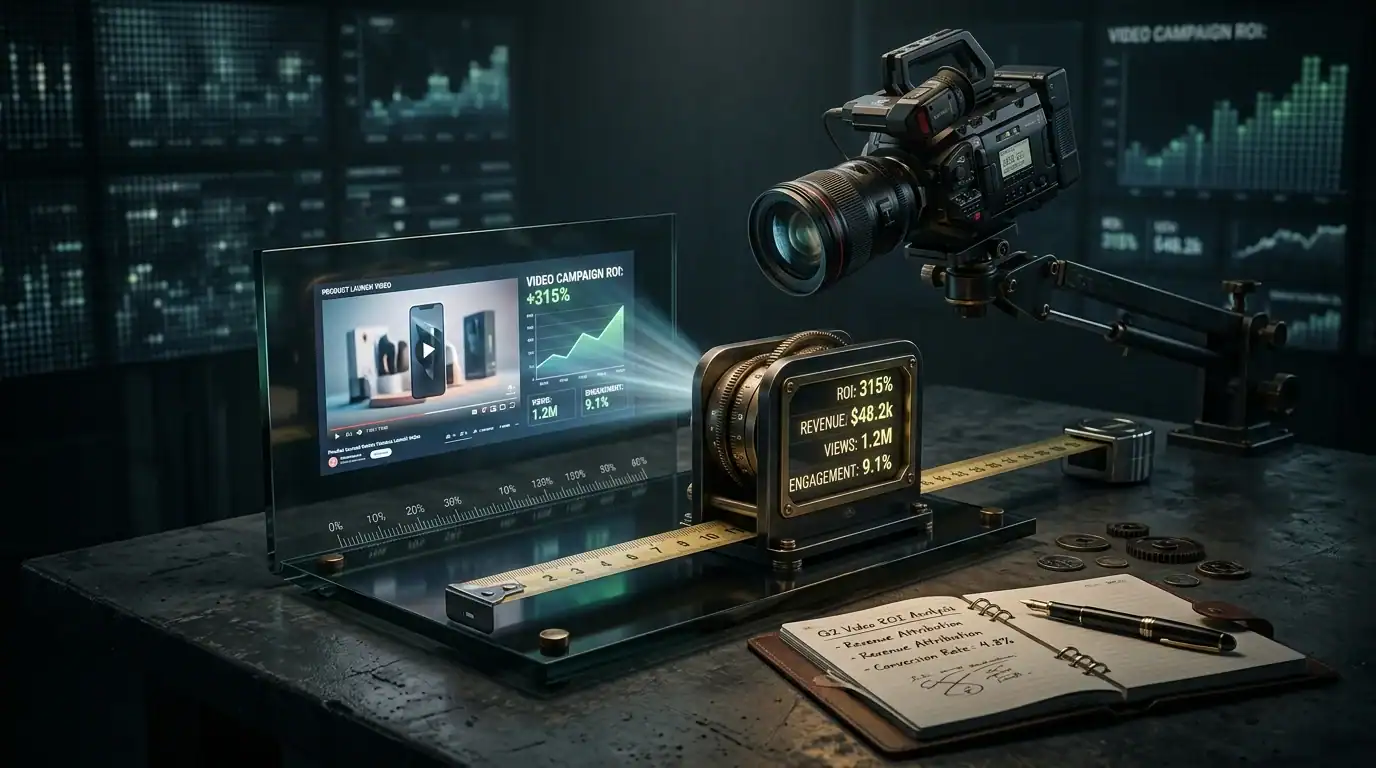
Track these metrics to know if your video marketing is working:
- Views: How many people watched? Track total views and average watch time. More important than views: what percentage of viewers watched to the end?
- Engagement: Likes, comments, shares, saves. Saves are especially valuable on Instagram — they tell the algorithm that your content is worth showing to more people
- Click-throughs: How many viewers clicked your link, visited your website, or called your business? This connects video to actual business results
- Leads from video: Track how many leads mention watching your videos or came from YouTube/social traffic. Ask new leads “how did you find us?” and track the answers
- Subscriber/follower growth: Is your audience growing? Consistent video should grow your following 5-15% per month
When to Invest in Professional Video
DIY video should be your foundation — your everyday content. But there are situations where professional video is worth the investment:
- Brand video: A 2-3 minute company overview video for your website homepage. This gets thousands of views over years and represents your business. Worth $2,000-$5,000 for professional quality
- Client testimonials: If your clients are camera-shy, a professional videographer can make them comfortable and capture polished footage. Worth $500-$1,500 per testimonial
- Product demos: If you sell physical products, professional lighting and camera work showcase them better. Worth the investment for e-commerce businesses
- Event coverage: Conferences, grand openings, community events. Professional footage captures the energy and scale that phone video can’t
Rule of thumb: professional video for your 3-5 most important, high-visibility pieces. DIY phone video for everything else.
Common Video Marketing Mistakes
- Waiting for perfection: Your first videos will be awkward. Post them anyway. You learn by doing, not by waiting until you feel ready. Nobody’s first video was great
- Making videos too long: For social media, shorter is almost always better. If you can make your point in 30 seconds, don’t stretch it to 3 minutes. Respect your audience’s time
- No captions: 80% of social video is watched on mute. No captions = invisible to most viewers
- Ignoring analytics: Check which videos perform best and make more like them. Double down on what works
- Inconsistency: Posting 5 videos one week then nothing for a month kills your momentum. 2-3 videos per week, every week, is the target
- All promotion, no value: If every video is “buy our stuff,” people tune out. Follow the 80/20 rule: 80% value (tips, education, entertainment), 20% promotion
Frequently Asked Questions
What platform should I post videos on?
Start where your audience is. Most local businesses: Instagram Reels and Facebook. B2B businesses: LinkedIn video. If you want long-term searchable content: YouTube. You can repurpose the same video across all platforms — shoot once, post everywhere.
How long should my videos be?
Short-form (Reels, TikTok, Shorts): 15-60 seconds. YouTube tutorials: 5-10 minutes. YouTube testimonials: 2-3 minutes. Facebook: under 3 minutes. The trend across all platforms is toward shorter content, but don’t sacrifice substance for brevity. Say what needs to be said, then stop.
Do I need to show my face on camera?
For maximum trust and connection, yes. Videos with faces get 38% more engagement than those without. But if you’re camera-shy, start with screen recordings (showing your work on screen with voiceover), before-and-after photos with music, or hands-only demonstrations. Work up to face-on-camera as you get comfortable.
What equipment do I need to start?
Your phone and natural light. That’s it. A $15-$30 clip-on microphone improves audio quality noticeably. A $30 ring light helps in low-light situations. A $20 phone tripod keeps your camera steady. Total startup cost: $0-$75. You can always upgrade later.
How do I get comfortable on camera?
Practice. Record yourself and watch it back. Do it 10 times. By the 10th time, you’ll be noticeably more natural. Talk to the camera like you’re talking to a friend or client — not like you’re giving a presentation. Energy, enthusiasm, and authenticity matter more than polish.
Is TikTok or Instagram better for business video?
TikTok’s algorithm is better at reaching NEW people — it shows your content to strangers more aggressively. Instagram’s algorithm is better at reaching YOUR people — existing followers and people similar to them. For most small businesses, Instagram is more ROI-focused because the audience is slightly older and more purchase-ready. But posting on both costs nothing extra.
How do I measure ROI from video marketing?
Track views, engagement, click-throughs to your website, and leads that mention video. Use UTM parameters on links in video descriptions. Ask new leads how they found you. For YouTube, check YouTube Analytics for traffic sources and audience demographics. The ROI compounds over time — a video posted today can generate views and leads for years.
Your Video Marketing Action Plan
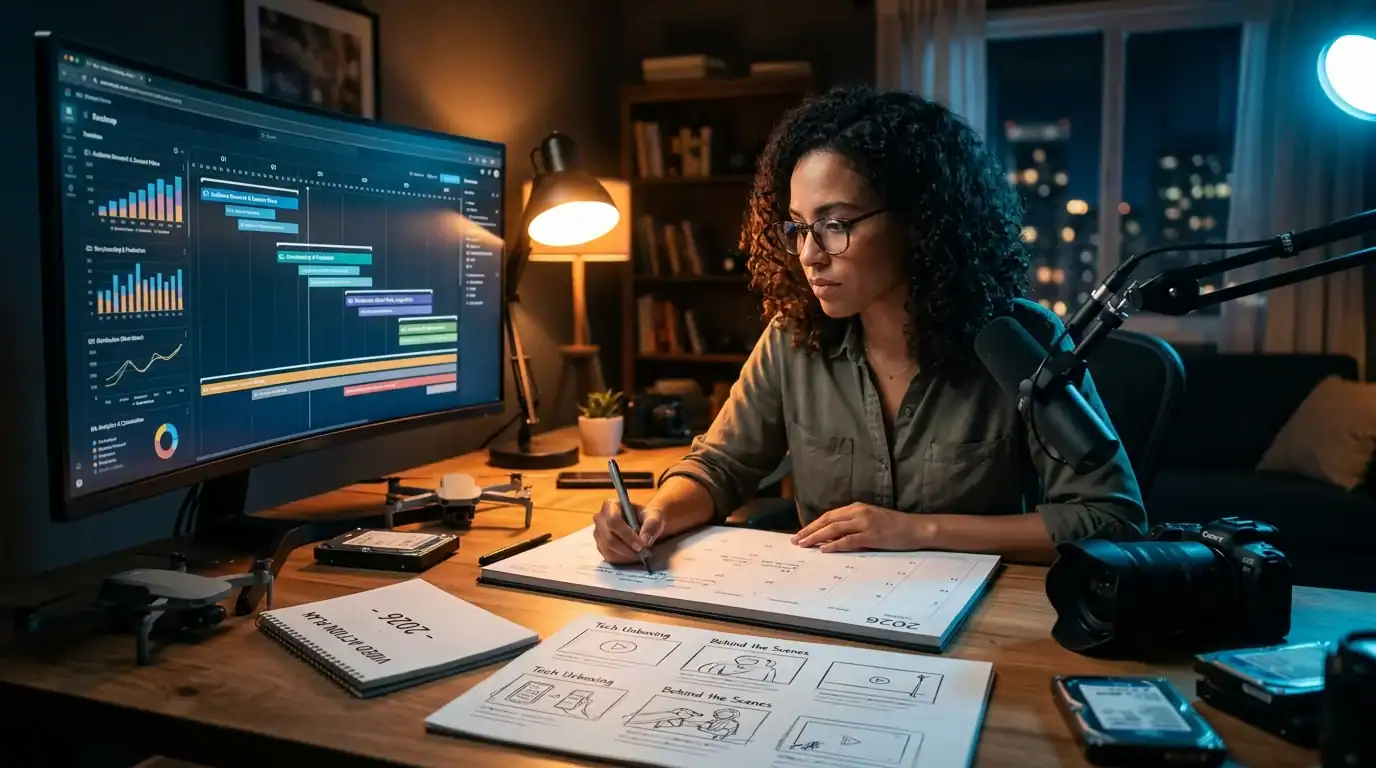
- This week: Shoot 2 short videos on your phone (a quick tip and a behind-the-scenes clip). Post them on Instagram and Facebook
- This month: Commit to 2-3 videos per week. Download CapCut. Start adding captions to every video
- This quarter: Create a YouTube channel. Upload your best videos with optimized titles and descriptions. Embed videos on your website
- Ongoing: Check analytics monthly. Do more of what works. Drop what doesn’t. Build consistency
Next Steps
Want video as part of your marketing strategy? Our social media marketing and content marketing services include video strategy, content planning, and distribution across platforms.
Schedule a free consultation or call (321) 300-4837. We’ll help you figure out which video types will move the needle fastest for your business.
Read more: Social Media ROI | Instagram for Business | Content Marketing ROI
If this raised more questions than it answered, we’ve got answers in our FAQ — covering everything from pricing and timelines to what results actually look like. You can also read verified client reviews from businesses we’ve helped across Orlando and Central Florida.