

E-Commerce Website Design: Best Practices for Selling Online in 2026
If you’re selling products online, your e-commerce website design is your storefront, your salesperson, and your cashier — all in one. A poorly designed e-commerce site loses customers at every step: confusing navigation drives them away, slow load times make them bounce, and a clunky checkout process makes them abandon their cart with their credit card still in their pocket.
After 30 years building websites and over a decade building online stores for businesses in Orlando, I know exactly what separates e-commerce sites that generate consistent revenue from ones that just sit there looking pretty. The difference isn’t about having the most products or the lowest prices. It’s about making it easy, fast, and trustworthy to buy from you.
From the auditor: Dennis Ocasio has delivered digital marketing for 200+ small businesses across Central Florida over 30+ years. Every recommendation here comes from tested, real-world client work — not theory.
Choosing the Right E-Commerce Platform
Your e-commerce platform is the backbone of your online store. Choose wrong and you’ll spend more time fighting your technology than growing your business.
WooCommerce (WordPress): Best for small to medium stores under 5,000 products. You get full control over design, SEO, and functionality. No monthly platform fees beyond hosting. Integrates with your existing WordPress site if you have one. This is what we build most Orlando e-commerce sites on because it offers the best balance of flexibility, SEO performance, and cost. Check our web design services for our approach.
Shopify: Best for businesses that prioritize simplicity over customization. Hosted for you — no server management needed. Easy to use admin panel. Limited SEO control compared to WordPress. Monthly fees of $39-$399. Good for businesses that want to launch quickly without deep technical involvement.
BigCommerce: Good middle ground between WooCommerce’s flexibility and Shopify’s simplicity. Better built-in features than Shopify for larger catalogs. Growing platform with strong B2B capabilities.
Custom build: Only for large operations with requirements that off-the-shelf platforms can’t handle. $50,000+ budget. Thousands of orders daily with complex inventory, multi-warehouse fulfillment, or unique business logic.
For 80% of small businesses in Orlando starting or growing an online store, WooCommerce is the right choice. You own everything, your SEO isn’t limited by platform restrictions, and you can customize anything.
Product Pages That Actually Convert
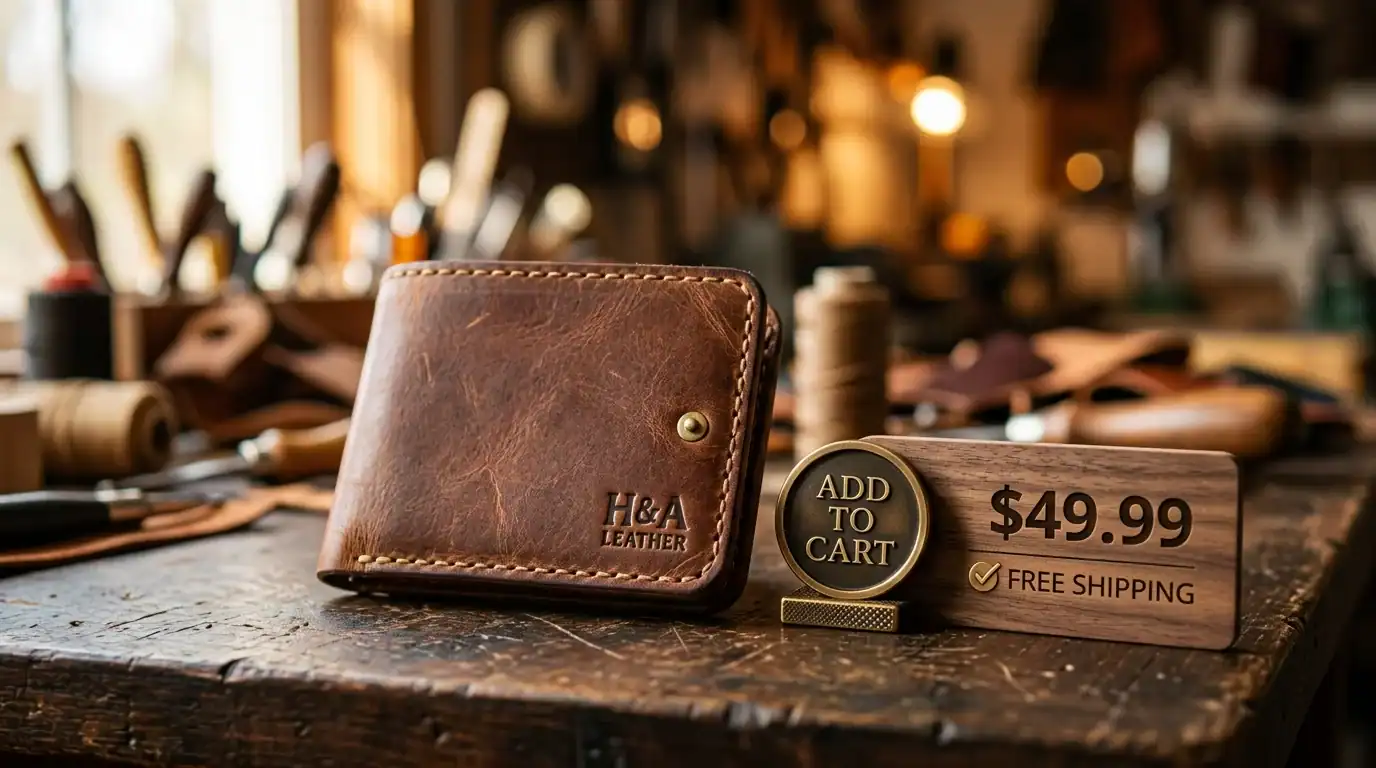
Your product pages are where buying decisions happen. Every single element on these pages either helps or hurts your conversion rate.
Product Photography
High-quality images sell products. This is non-negotiable for e-commerce. Include: multiple angles of every product, zoom capability on desktop and tap-to-zoom on mobile, lifestyle photos showing the product in use (not just on a white background), and consistent styling across your entire catalog. If you’re selling physical products, invest in professional photography. Phone photos work for social media but not for product pages where people are deciding whether to spend money.
Product Descriptions That Sell
Don’t just copy the manufacturer’s description — every other store selling that product has the exact same text, and Google treats duplicate content as worthless. Write unique descriptions for every product that highlight benefits (not just features), answer the questions a buyer would ask, include your target keywords naturally, and speak in your customer’s language.
A good product description formula: What is it? → Who is it for? → What problem does it solve? → What makes it different from alternatives? → What do other customers say about it? → What do you get (what’s included, sizes, materials)?
Reviews and Ratings
Products with reviews convert 270% better than products without reviews. That’s not a small difference — that’s the difference between a profitable store and a ghost town. Display star ratings prominently on every product page. Show the review count. Include both positive and honest critical reviews — pages with all 5-star reviews actually look fake and reduce trust. Implement Review schema markup so star ratings appear in Google search results, which increases click-through rates by 20-30%.
Clear, Honest Pricing
No hidden costs. Show the price clearly and prominently. If there are shipping costs, show them before checkout — not as a surprise at the last step. 48% of online shoppers abandon their cart due to unexpected extra costs (shipping, taxes, fees) appearing at checkout. Be transparent from the start and you’ll lose fewer sales at the finish line.
Navigation: Help Customers Find What They Want
If people can’t find what they’re looking for in 3 clicks, they leave. E-commerce navigation needs to be intuitive and fast:
- Category structure: Organize products logically. Use clear, descriptive category names that match how customers think. “Women’s Running Shoes” is better than “Footwear Collection.” If a visitor has to wonder which category their desired product is in, your navigation is failing
- Search functionality: A prominent search bar with autocomplete suggestions. 30% of e-commerce visitors use site search, and those users convert at 2-3x the rate of browsers. If your search returns “no results” for common product terms, you’re losing your highest-intent visitors
- Filters and sorting: Let people narrow results by price, size, color, brand, rating, availability, and any other relevant attribute. The faster they find exactly what they want, the faster they buy. Nobody wants to scroll through 200 products to find the one in their size
- Breadcrumbs: Show users where they are in your catalog hierarchy (Home > Women’s > Running Shoes > Trail). Helps navigation AND gives Google additional context about your site structure for SEO
- Mega menus for large catalogs: Dropdown menus that show subcategories, featured products, and promotions on hover. Essential for stores with hundreds of products across many categories
The Checkout Process: Where 70% of Sales Die
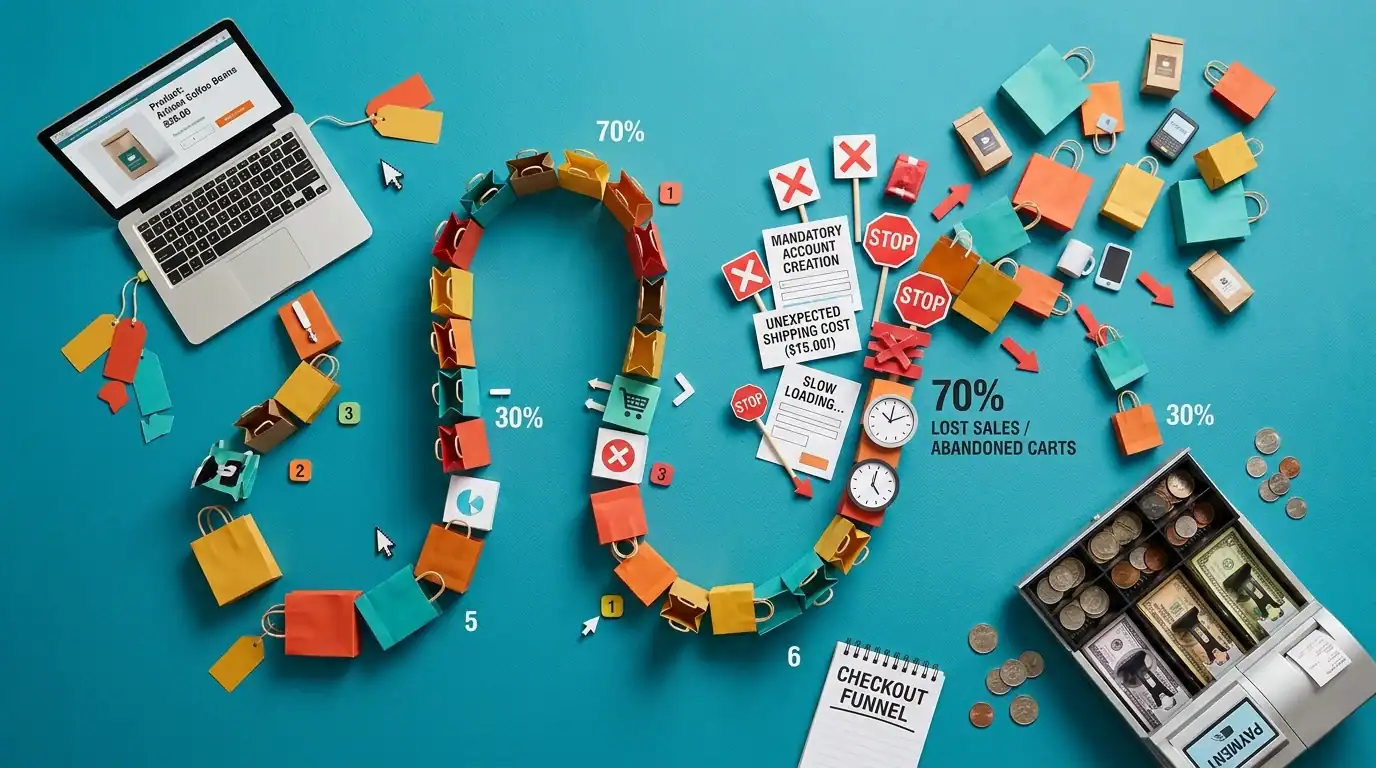
70% of online shopping carts are abandoned before purchase. The checkout process is the biggest leak in most e-commerce funnels, and fixing it has the highest ROI of any optimization you can make.
Guest Checkout Is Mandatory
Don’t force account creation before purchase. 34% of cart abandonments happen because the site required creating an account. Let people buy as a guest. You can ask them to create an account AFTER the purchase is complete — they’re already committed at that point and more likely to say yes.
Minimize Checkout Steps
One-page checkout is ideal. Two or three steps maximum. Every additional step loses approximately 10% of buyers. Show all costs upfront — product, shipping, tax — before the buyer commits to entering their payment information. The best checkouts feel fast and frictionless.
Offer Multiple Payment Options
Credit card, PayPal, Apple Pay, Google Pay, Shop Pay, Afterpay/Klarna (buy-now-pay-later). Every payment option you don’t offer is a barrier for some percentage of your customers. Mobile wallets (Apple Pay, Google Pay) are especially important because they eliminate the need to type credit card numbers on a phone — one tap and they’ve paid.
Show Progress Indicators
A simple “Step 2 of 3” indicator tells customers exactly where they are and how much more they need to do. Without this, checkout feels like it might go on forever, and uncertainty causes abandonment.
Trust Badges Near the Payment Form
SSL lock icon, “Secure Checkout” text, payment security logos (Visa Secure, Mastercard SecureCode), and money-back guarantee badges. These need to be visible right next to where customers enter their credit card information. People need to feel safe entering financial data. Without trust signals, doubt creeps in and they close the tab.
Cart Recovery Emails
Send automated emails to people who abandon their cart. “You left something behind” emails recover 5-15% of abandoned carts — and that’s pure revenue that would otherwise be lost. Send the first email within 1 hour, a second at 24 hours, and a final one at 72 hours (optionally with a small discount incentive). Our marketing automation services include cart recovery setup.
Mobile E-Commerce: Where Most Shopping Happens
Over 60% of e-commerce traffic comes from mobile devices, and mobile commerce is growing faster than desktop. If your store doesn’t work flawlessly on a phone, you’re losing the majority of your potential customers.
Mobile e-commerce essentials:
- Thumb-friendly navigation: Large tap targets, easy-to-reach menus, swipeable product galleries
- Fast load times: Under 3 seconds on 4G. Mobile shoppers are impatient — 53% leave if a page takes over 3 seconds. Compress images aggressively, use lazy loading, and enable caching. See our speed optimization guide
- Simplified checkout: Auto-fill enabled, digital wallet support (Apple Pay, Google Pay), minimal typing required. Typing a 16-digit credit card number on a phone is painful — mobile wallets eliminate this completely
- Product images that zoom on tap: Customers can’t touch products online. High-quality, zoomable photos are the next best thing
- Persistent cart icon: Show the cart icon with item count on every page so customers always know what’s in their cart
- Click-to-call customer service: A visible phone number that calls with one tap. When mobile shoppers have questions, they want answers immediately
E-Commerce SEO: Getting Your Products Found in Google

E-commerce SEO has unique challenges and opportunities compared to service business SEO:
Product Schema Markup
Add Product schema to every product page. This enables rich snippets in Google with pricing, availability (“In Stock”), and star ratings displayed directly in search results. A listing with “⭐⭐⭐⭐⭐ 4.8 | $49.99 | In Stock” gets dramatically more clicks than a plain text result. See our schema markup guide for implementation details.
Unique Product Descriptions
Duplicate content is the #1 SEO killer for e-commerce. If 50 stores sell the same product with the same manufacturer description, none of them rank well because Google has no reason to prefer one over another. Write unique descriptions for at least your top 20% of products (by revenue). For the rest, at minimum rewrite the first paragraph and add unique benefit statements.
Category Page Optimization
Most e-commerce stores leave category pages as nothing more than product grids with no text content. Add 200-500 words of unique, helpful content to each category page: what the category includes, who it’s for, how to choose between products, and any relevant buying guidance. This gives Google text to understand and rank the page for broader category-level searches.
Internal Linking Between Products
“You might also like,” “Frequently bought together,” and “Customers who viewed this also viewed” sections aren’t just conversion tools — they’re internal linking structures that distribute SEO authority across your product catalog and keep visitors browsing longer (which is a positive engagement signal to Google).
Blog Content Drives Product Discovery
Buying guides (“Best running shoes for flat feet 2026”), comparison posts (“Product A vs Product B: Which is right for you?”), and how-to content (“How to choose the right [product type]”) attract buyers in the research phase of their purchase journey. These posts rank for informational keywords and funnel readers to your product pages. Our content marketing services build these content funnels for e-commerce clients.
E-Commerce Website Costs
What should you expect to invest in an online store?
- Basic WooCommerce store (under 100 products): $3,000-$8,000 for design, development, and initial setup
- Custom WooCommerce store (100-1,000 products): $8,000-$20,000 with custom features, advanced filtering, and multi-category navigation
- Shopify store: $2,000-$10,000 for design and configuration + $39-$399/month platform fee
- Enterprise custom build: $50,000+ for complex, high-volume operations
Ongoing costs include: hosting ($50-$200/month for WooCommerce), payment processing (typically 2.9% + $0.30 per transaction), SSL certificate ($0-$100/year), and maintenance/updates ($100-$500/month). See our complete website cost guide for detailed breakdowns.
Frequently Asked Questions

Should I use WooCommerce or Shopify?
WooCommerce if you want full control, maximum SEO flexibility, no monthly platform fees, and the ability to customize anything. Shopify if you want simplicity, don’t mind less customization, and prefer someone else handling hosting and security. For most Orlando small businesses, WooCommerce is the better long-term choice because you own everything and your SEO potential is unlimited.
How many products do I need to launch an online store?
You can launch with as few as 10-20 products. Start with your best sellers, validate online demand, test your marketing, then expand your catalog. A focused store with 50 great products and excellent product pages outperforms a cluttered store with 500 mediocre listings.
How do I drive traffic to my online store?
Four channels work together: SEO for long-term organic product discovery, Google Shopping ads for immediate product visibility in search results, social media (especially Instagram and Pinterest for visual products) for brand awareness and direct sales, and email marketing for repeat purchases and customer retention. The most successful e-commerce businesses use all four channels. See our PPC vs SEO guide for how to balance paid and organic.
What’s a good conversion rate for e-commerce?
2-3% is the industry average. Above 3% is good. Above 5% is excellent. If you’re below 2%, your site has conversion issues that need fixing — likely slow speed, poor mobile experience, confusing checkout, or weak product pages. See our CRO guide for the 10 biggest conversion killers and how to fix them.
Do I need professional product photography?
For your product pages, yes — especially your top-selling products. Good photography is the single biggest factor in whether someone clicks “Add to Cart.” Invest in professional shots for your main catalog. For social media and marketing, high-quality phone photos work fine as long as they’re well-lit, properly composed, and consistent with your brand style.
How important is site speed for e-commerce?
Critical. Amazon found that every 100ms of added load time costs them 1% in sales. For a store doing $100,000/year, that’s $1,000 lost per 100 milliseconds of slowness. Compress images, use a CDN, enable caching, and invest in quality hosting. Speed is conversion.
Next Steps
Ready to build or upgrade your online store? We build conversion-focused e-commerce websites on WooCommerce, designed from the ground up to sell. Combined with SEO and Google Shopping ads management, we help Orlando businesses sell online successfully.
Schedule a free consultation or call (321) 300-4837.
Read more: Website Cost Guide | Conversion Rate Optimization | WordPress vs Custom Website
If this raised more questions than it answered, we’ve got answers to common Web Design questions in our FAQ — covering everything from pricing and timelines to what results actually look like. You can also read verified client reviews from businesses we’ve helped across Orlando and Central Florida.