
Conversion Rate Optimization: Turn Your Website Visitors Into Paying Customers
You’re getting traffic to your website, but nobody’s calling. Nobody’s filling out the form. Nobody’s buying. The problem isn’t your traffic — it’s your conversion rate. After 30 years of building websites for businesses in Orlando, I can usually spot the conversion killers within 30 seconds of looking at a site.
Here’s the thing about conversion rate optimization (CRO): you don’t need more traffic to get more customers. You need to make better use of the traffic you already have. If you’re getting 1,000 visitors a month and converting 1%, that’s 10 leads. Double your conversion rate to 2%, and you get 20 leads from the exact same traffic. Same ad spend. Same SEO budget. Twice the results.
That math is why CRO is one of the highest-ROI investments any business can make.
From the auditor: Dennis Ocasio has delivered digital marketing for 200+ small businesses across Central Florida over 30+ years. Every recommendation here comes from tested, real-world client work — not theory.
What Is Conversion Rate Optimization?
CRO is the systematic process of increasing the percentage of website visitors who take a desired action — whether that’s filling out a contact form, calling your phone number, making a purchase, or signing up for your email list.
Your conversion rate is calculated simply: (Number of conversions / Number of visitors) x 100 = Conversion Rate %
If 1,000 people visit your website and 30 fill out your contact form, your conversion rate is 3%. CRO tries to make that number higher through design changes, copy improvements, user experience fixes, and psychological persuasion techniques — all based on data, not guesses.
Average Conversion Rates by Industry

Before you optimize, you need to know where you stand. Here are typical conversion rates for different business types:
- Service businesses (plumbers, electricians, contractors): 3-5%
- Professional services (lawyers, accountants, consultants): 2-4%
- E-commerce: 2-3%
- SaaS / Software: 3-7%
- Real estate: 1-3%
- Healthcare: 3-5%
- Digital marketing agencies: 2-5%
If you’re below these numbers, there’s clear room to improve. If you’re at these numbers, there’s still room — top performers in every industry hit 2-3x the average. A plumber converting at 8% is winning against competitors at 3%.
The 10 Biggest Conversion Killers
These are the issues I find on almost every underperforming website. Fix them in order — the first few have the biggest impact.
1. Slow Website Speed
Every second of load time costs you 7% of conversions. That’s not my opinion — that’s data from Google and Amazon. If your site takes 5 seconds to load, you’ve lost 35% of potential leads before they see a single word of your content.
A one-second improvement in load time can increase conversions by 7%. For a site getting 5,000 visitors/month converting at 3% (150 leads), that’s 10-11 additional leads per month from faster loading alone. Read our full website speed optimization guide for the technical fixes.
2. No Clear Call to Action
If visitors have to hunt for your phone number or scroll three screens to find a contact form, most won’t bother. Your primary CTA should be visible without scrolling on every single page. “Call Now,” “Get a Free Quote,” “Schedule a Consultation” — be specific about what happens when they click, and make the button big, bold, and impossible to miss.
I’ve seen conversions jump 25-40% just by putting a phone number and “Call Now” button in the header of every page. It sounds too simple to matter, but it does.
3. Confusing Navigation
If people can’t find what they’re looking for in 3 seconds, they leave. Keep your menu simple: 5-7 main items maximum. Use clear, descriptive labels (not clever ones). “Services” is better than “What We Do.” “Contact” is better than “Let’s Connect.” Don’t make visitors think about where to click.
4. No Social Proof
People trust other people more than they trust you. If your website doesn’t show reviews, testimonials, case studies, client logos, star ratings, or specific results numbers, you’re asking visitors to take a leap of faith. Most won’t.
Put social proof near your CTAs. A 5-star Google rating next to your “Get a Quote” button is more persuasive than any marketing copy you could write. Testimonials from real clients with real names and real results build trust that converts.
5. Bad Mobile Experience
60%+ of your website traffic is coming from phones. If your site is hard to use on mobile — tiny text, buttons too close together, forms that are painful to fill out, images that don’t resize — you’re losing more than half your potential customers.
Test your site on your own phone. Can you call with one tap? Can you fill out the contact form without zooming? Can you read the text without squinting? If not, your mobile experience is a conversion killer.
6. Too Many Form Fields
Every field you add to a contact form reduces completion by 10-15%. I see businesses asking for: first name, last name, email, phone, company name, company size, industry, budget range, project timeline, and a detailed message. That’s 10 fields. Nobody fills that out unless they’re desperate.
For most service businesses, you need: name, phone or email, and a brief message. Three fields. Maybe four if you need their zip code for service area businesses. Anything beyond that is friction that kills conversions.
7. No Trust Signals
Trust signals tell visitors your site is safe and your business is legitimate. They include: SSL certificate (https — the padlock icon), BBB logo, industry certifications, professional association badges, Google Partner badges, payment security icons, and privacy policy links. Without these, people wonder if your business is real.
8. Weak Headlines
Your headline is the first thing people read. It has less than 2 seconds to convince them to keep reading. “Welcome to Our Website” tells them nothing. “Orlando’s Top-Rated Digital Marketing Agency — Get More Leads Starting Today” tells them who you are, what you do, and what they get.
Every page should have a headline that answers: What do you do? Who do you do it for? What result do they get?
9. No Urgency
“Limited spots available this month,” “Free consultation — book before Friday,” “Only accepting 5 new clients this quarter.” Genuine urgency moves people from thinking to acting. It’s the difference between “I’ll come back later” and “Let me call now before I forget.”
Use urgency honestly. Fake urgency (countdown timers that reset every time you visit) destroys trust. Real urgency (limited capacity, seasonal pricing, expiring offers) drives action.
10. Buried Contact Information
Your phone number should be in the header on every page — not just the Contact page. Your contact form should appear on every service page. Your email address should be easy to find. Don’t make people work to reach you. The businesses that make it easiest to contact them get the most contacts.
How to Test and Improve Your Conversion Rate
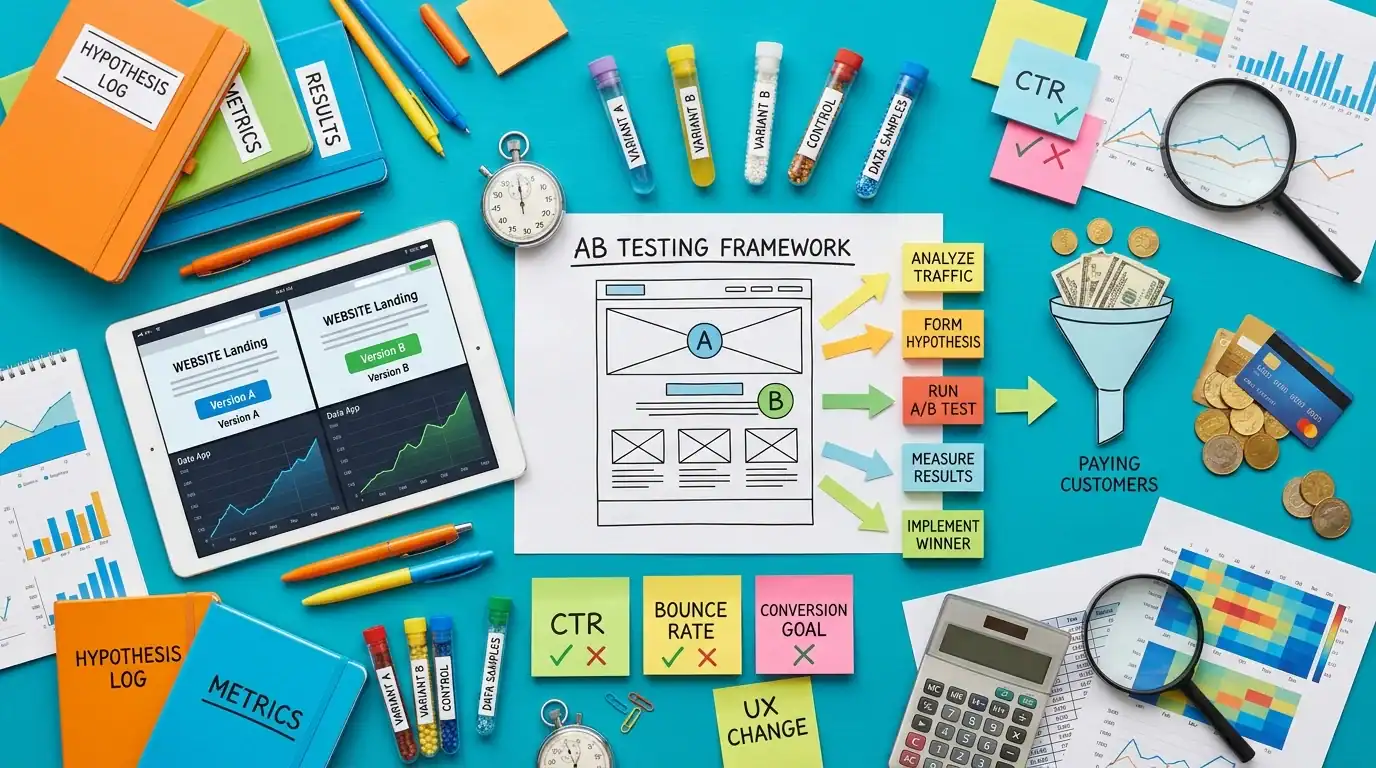
The gold standard is A/B testing: change one thing at a time and see which version converts better. Change your headline, and test it against the original. Change your CTA button color, test it. Change your form from 5 fields to 3, test it.
Tools for CRO testing:
- Google Optimize: Free A/B testing tool from Google (being sunset, but alternatives exist)
- Hotjar: Heatmaps that show where people click, scroll, and leave. Incredibly useful for identifying problem areas
- Microsoft Clarity: Free heatmaps and session recordings
- Google Analytics: Track conversion rates by page, source, and device
If you don’t have the traffic for A/B testing (you need at least 1,000 visitors per variation), start with the basics: fix the 10 conversion killers above. Those aren’t tests — they’re best practices that almost always improve results.
Quick Wins That Improve Conversions This Week
- Add your phone number to the header of every page (click-to-call on mobile)
- Reduce your contact form to 3-4 fields
- Add 3-5 client testimonials or Google reviews to your homepage
- Speed up your site (install a caching plugin, compress images)
- Add a clear CTA button above the fold on every page
- Make sure your site works perfectly on mobile
These 6 changes take a few hours and can increase your conversion rate 20-50% without spending a dollar on ads or SEO.
CRO and SEO: They Work Together
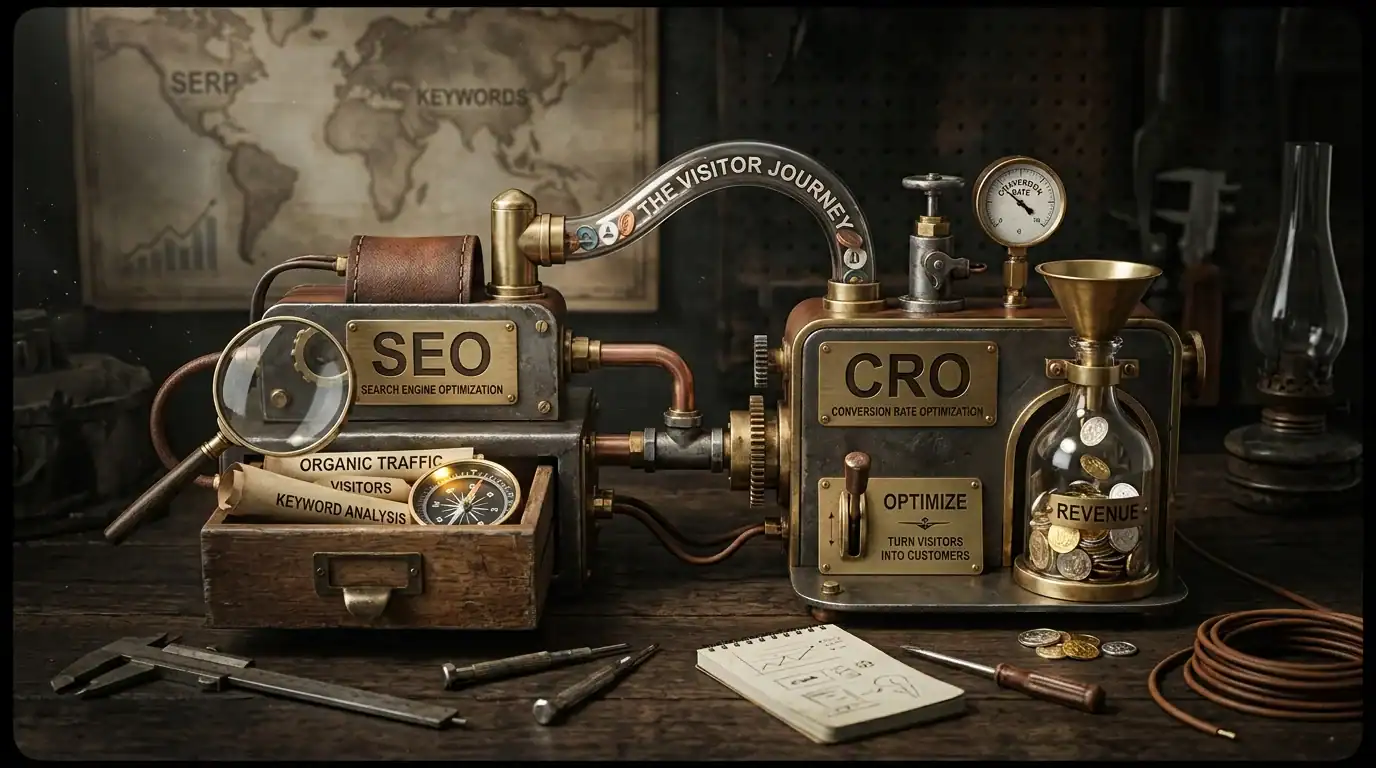
This is important: CRO and SEO are not competing priorities. They’re complementary. SEO brings traffic. CRO converts that traffic into leads. Without SEO, you have no visitors to convert. Without CRO, your SEO traffic is wasted.
The smartest businesses invest in both at the same time. Build traffic with SEO and content marketing. Convert that traffic with CRO. The result is a marketing machine that generates leads consistently and efficiently.
Frequently Asked Questions
What’s a good conversion rate for a service business?
3-5% is average. Above 5% is excellent. Above 8% means you’re in the top performers. Below 2% means there are serious conversion killers to address. Don’t compare yourself to e-commerce benchmarks — service businesses convert differently because the decision to call or fill out a form is different from adding something to a cart.
How fast can I improve my conversion rate?
Simple fixes (adding a phone number to the header, reducing form fields, adding testimonials) can show results in days. Bigger changes (redesigning your landing pages, implementing A/B testing programs) take 2-4 weeks to measure. Most businesses see a meaningful improvement within 30 days of fixing the basics.
Does CRO cost a lot?
Not compared to what it generates. A few hours of CRO work can double your leads from the same traffic. That’s free money from visitors you’re already paying to attract. The ROI of CRO is typically higher than any other marketing investment because you’re not spending more to get more — you’re converting more from what you already have.
Should I do CRO before or after SEO?
At the same time. There’s no point driving thousands of visitors to a site that doesn’t convert. And there’s no point optimizing a site that gets no traffic. Start both in parallel. Even basic CRO (fixing the 10 killers above) while you’re building SEO will mean every new visitor has a better chance of becoming a customer.
How do I know what to fix first?
Start with the highest-impact, lowest-effort items: site speed, mobile experience, clear CTA, and social proof. These four things have the biggest conversion impact and take the least time to fix. After that, move to form optimization, landing page design, and A/B testing.
What tools do I need for CRO?
Start with Google Analytics (free) to track your current conversion rate. Add Hotjar or Microsoft Clarity (free) for heatmaps. That gives you data on what’s happening and where people are dropping off. You don’t need expensive tools to start — just data and the willingness to make changes.
Ready to Convert More Visitors Into Customers?

Want a free conversion audit of your website? I’ll review your site and tell you exactly which of these 10 killers are active and what to fix first. Contact us or call (321) 300-4837.
We build conversion-focused websites from the ground up — designed to turn visitors into leads from day one. Check our website cost guide and speed optimization guide for more.
If this raised more questions than it answered, we’ve got answers to common Web Design questions in our FAQ — covering everything from pricing and timelines to what results actually look like. You can also read verified client reviews from businesses we’ve helped across Orlando and Central Florida.