
Social Media Advertising: The Complete Budget Guide for Small Businesses in Orlando
Social media advertising lets you reach your ideal customers where they spend hours every day — on their phones, scrolling through Facebook, Instagram, LinkedIn, and TikTok. Unlike organic social media (which reaches about 5% of your followers), paid social puts your message in front of thousands of precisely targeted people for as little as $5 per day.
I’m Meta Certified and have managed social ad campaigns for businesses across every industry in Orlando. The businesses that see the best ROI from social advertising aren’t the ones with the biggest budgets — they’re the ones with the smartest targeting, the most relevant creative, and the clearest measurement systems. Let me show you how to make social media advertising work for your budget.
From the auditor: Dennis Ocasio has delivered digital marketing for 200+ small businesses across Central Florida over 30+ years. Every recommendation here comes from tested, real-world client work — not theory.
How Much Should You Spend on Social Media Ads?
This is the first question every business owner asks, and the honest answer is: it depends on your goals, your industry, and your market. But here are realistic budget tiers for small businesses in Orlando:
Testing Phase ($150-$300/month)
This is your starting point. $5-$10 per day. Run 2-3 different ads to different audiences. Learn which messaging resonates, which audiences engage, and which ad formats work best. You won’t generate a flood of leads at this budget, but you’ll get real data that shapes your strategy going forward.
At this level, focus on one platform (Facebook/Instagram for most local businesses) and one campaign objective (lead generation or website traffic). Don’t spread $300 across 3 platforms — concentrate your budget for faster learning.
Growth Phase ($500-$1,500/month)
This is where most small businesses start seeing real lead generation. You have enough budget to scale winning ads, test new audiences, run A/B tests, and maintain consistent visibility. You can run 2-3 campaigns simultaneously: one for cold audiences (reaching new people), one for warm audiences (retargeting website visitors), and one for your best-performing evergreen content.
At $1,000/month on Facebook/Instagram, a local service business in Orlando can expect 20-50 leads per month depending on industry and targeting. At $500/month, expect 10-25. These ranges vary widely — some industries have cheaper leads than others.
Aggressive Phase ($1,500-$5,000/month)
Full-funnel social advertising. Multiple campaigns targeting different audiences at different stages of the buyer journey. Sophisticated retargeting sequences. Video ad creative. Multi-platform advertising (Facebook + Instagram + LinkedIn or TikTok). Dedicated landing pages for each campaign.
Businesses at this level typically have a proven conversion funnel and are scaling what works. This isn’t where you start — it’s where you grow to after the testing and growth phases have proven your concept.
Which Platform Should You Advertise On?
Facebook and Instagram (Meta)
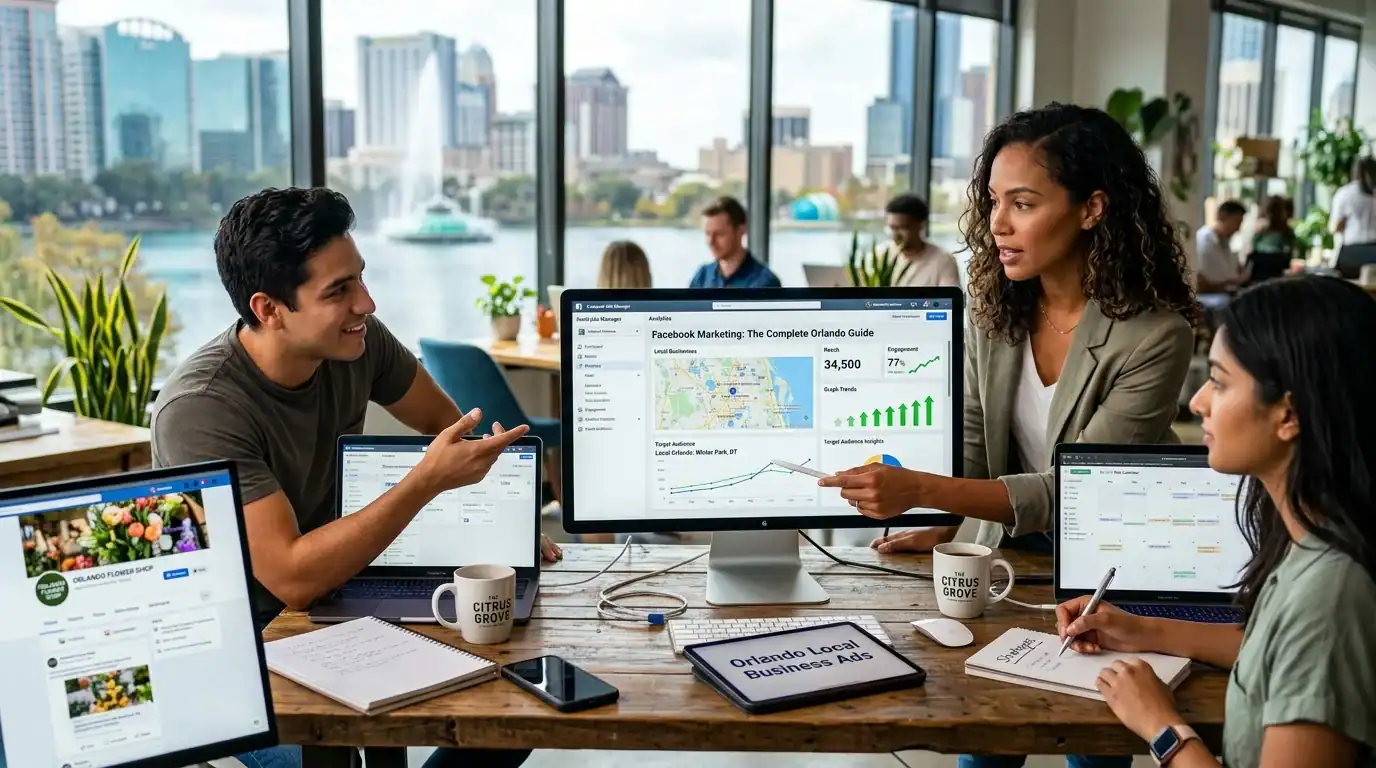
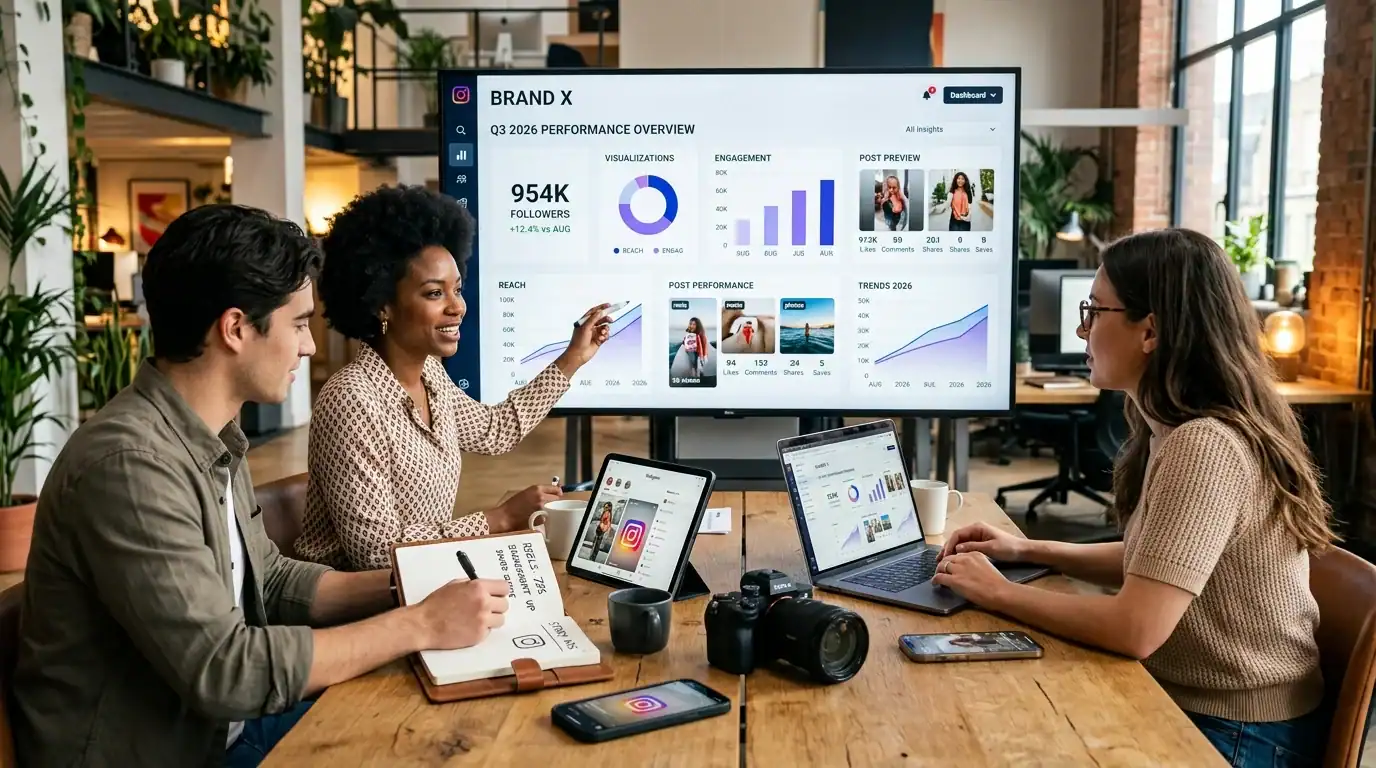
Best for: Local service businesses, B2C companies, visual products, and any business targeting consumers ages 25-65. Facebook and Instagram share the same ad platform (Meta Business Suite), so you run ads on both from one dashboard.
Why it works: The targeting is unmatched. You can show ads to people within 5-25 miles of your business, filtered by age, income, homeownership, interests, behaviors, and dozens of other criteria. For local businesses, this precision means your $10/day only reaches people who could actually become customers.
Average costs: $0.50-$5.00 per click. $5-$30 per lead for lead generation ads. $1-$3 CPM (cost per 1,000 impressions). Read our Facebook marketing guide and Instagram guide for organic strategies that complement your paid efforts.
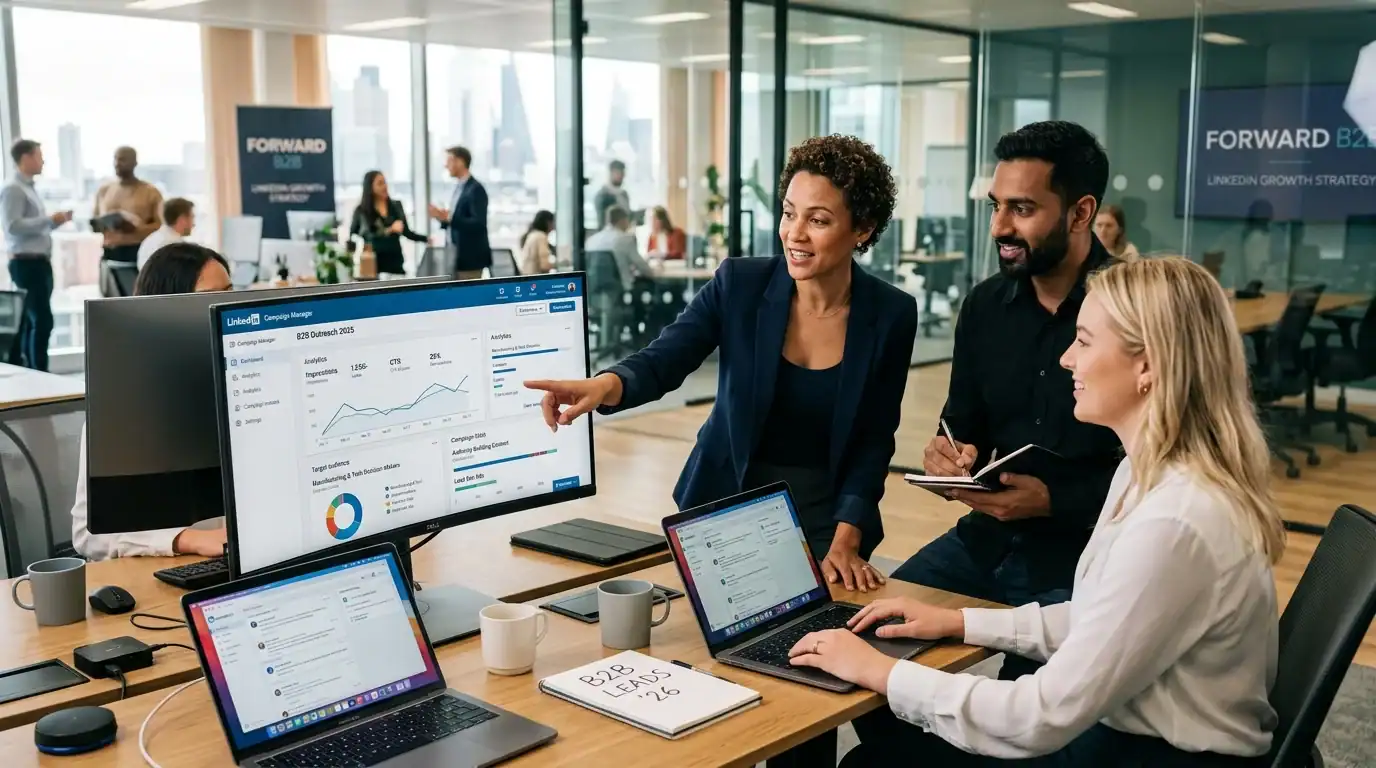
Best for: B2B businesses targeting professionals, decision-makers, and specific job titles. If your clients are other businesses (not consumers), LinkedIn puts you in front of the people who sign contracts.
Why it’s expensive: $5-$15 per click, sometimes higher. LinkedIn’s audience is smaller and more professional, so the cost per impression is higher. But the lead quality is also higher — these are professionals actively thinking about business solutions.
When it’s worth it: Only if your service or product sells for $5,000+ per deal. The higher cost per lead makes sense when each customer is worth significant revenue. A $50 cost per lead is fine if your average deal is $10,000. It’s wasteful if your average deal is $200. See our LinkedIn B2B guide for organic LinkedIn strategy.
TikTok
Best for: Businesses targeting ages 18-34 with visual, entertaining content. Restaurants, fitness brands, retail, beauty, entertainment, and consumer products.
Why it’s growing: TikTok’s ad platform is maturing rapidly. The CPMs are currently lower than Facebook/Instagram ($3-$8 CPM vs $5-$15), which means your budget goes further in terms of eyeballs. The challenge: TikTok users expect entertaining content, not traditional ads. Your creative needs to feel native to the platform.
Average costs: $0.20-$2.00 per click. Lower than Facebook but conversion rates may also be lower depending on your audience alignment.
Google Ads (For Comparison)
Not social media, but worth understanding the difference. Google Ads capture existing demand — people actively searching for your service. Social ads create demand — reaching people who match your customer profile but aren’t actively searching. Both have a place. Google Ads has higher intent per click. Social ads has lower cost per impression and broader reach. The best strategy uses both. See our PPC comparison guide.
Facebook and Instagram Ad Types That Work for Local Businesses
Lead Generation Ads
People fill out a form without leaving Facebook/Instagram. The form auto-populates with their name, email, and phone number from their profile. Low friction = high completion rate. Average cost per lead: $5-$30 depending on industry, targeting, and offer quality. Best for service businesses that need contact info to follow up.
Traffic Ads
Drive people to your website or a specific landing page. Use for blog content promotion (drive traffic to your SEO content), service pages, special offers, and lead magnets. Best when your website has strong conversion optimization (clear CTAs, fast loading, mobile-friendly). See our CRO guide.
Video Ads
Show your work, tell your story, demonstrate your product, or teach something valuable. Video ads get 2-3x the engagement of static image ads. 15-30 seconds for in-feed ads. Up to 60 seconds for Stories. Read our video marketing guide for production tips.
Retargeting Ads
Show ads to people who already visited your website but didn’t convert. These convert at 3-5x the rate of cold audience ads because the viewer already knows you. Retargeting should be a component of every social advertising strategy. Read our remarketing strategies guide for detailed setup.
Boosted Posts
Take your best-performing organic post and pay to show it to more people. The simplest ad format. Good for beginners and for amplifying content that’s already proven to resonate. Not as sophisticated as Ads Manager campaigns but effective for getting started.
Targeting: Reaching the Right People (Not Everyone)
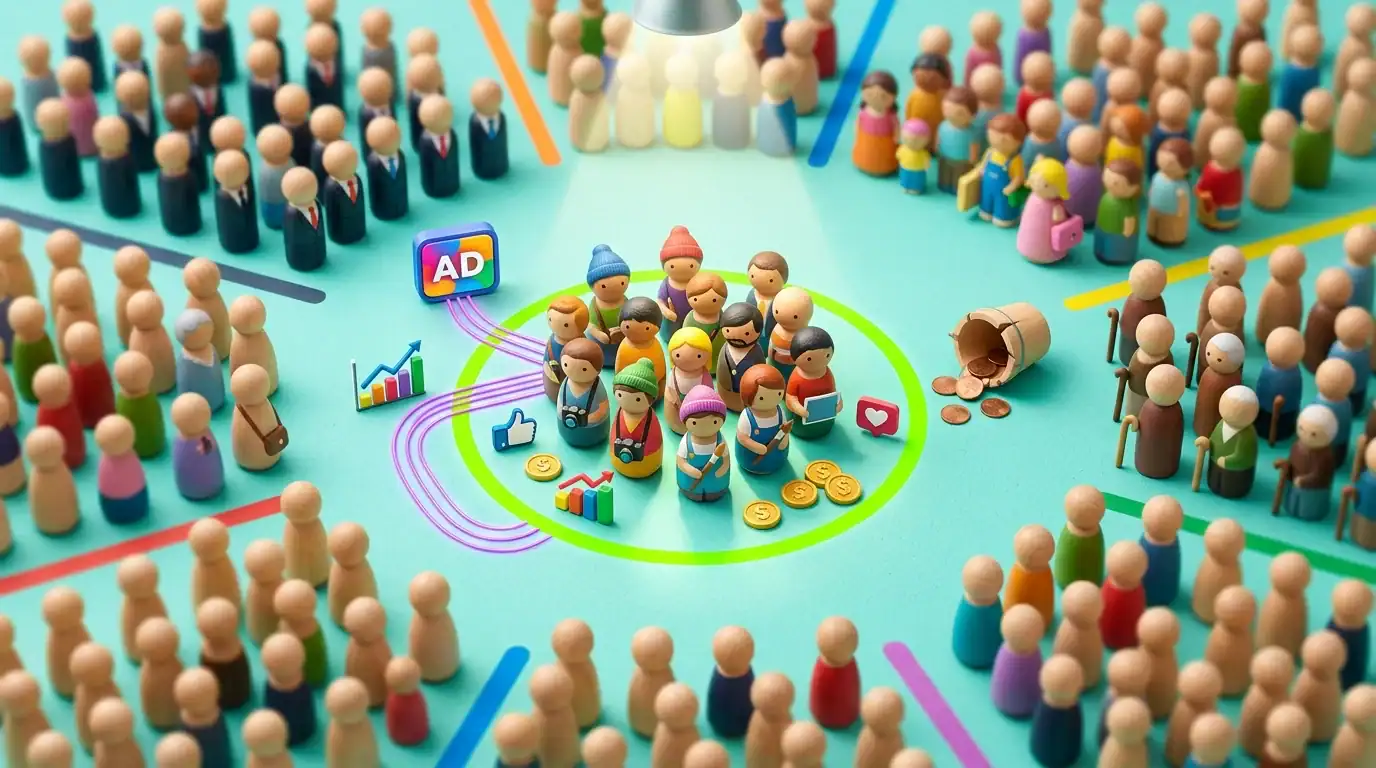
The power of social advertising isn’t reach — it’s precision. You’re not showing ads to everyone. You’re showing them to people who match your ideal customer profile.
Geographic Targeting
For local businesses, this is everything. Set your radius to 5, 10, 15, or 25 miles from your business address. A plumber in Alafaya doesn’t need to reach people in Tampa. A restaurant in Winter Park only needs to reach people within a 10-mile drive. Tight geographic targeting keeps your budget focused on people who can actually become customers.
Demographic Targeting
Age, gender, household income, education level, homeownership status, parenting status, relationship status. If your ideal customer is a homeowner aged 35-55 with household income above $75,000, you can target exactly that profile.
Interest and Behavior Targeting
Target people interested in home improvement, small business ownership, fitness, dining out, specific brands, or any of thousands of interest categories. Behavior targeting goes further: recent home buyers, people who’ve recently moved, frequent travelers, engaged shoppers.
Custom Audiences
Upload your customer email list. Facebook matches those emails to user profiles and creates an audience of your existing customers. Use this for upsell campaigns, review requests, and referral programs. This is the most underutilized targeting option — most businesses have a customer list they’ve never uploaded.
Lookalike Audiences
Facebook analyzes your custom audience (your existing customers) and finds new people who “look like” them — similar demographics, interests, and behaviors. Lookalike audiences consistently deliver the best cold-audience performance because they’re modeled on people who’ve already bought from you.
Creating Ads That Actually Convert
The Hook (First 2 Seconds)
On social media, you have 2 seconds before someone scrolls past your ad. Your opening line or visual needs to stop the scroll. Questions work (“Tired of your website not generating leads?”). Bold statements work (“Your competitors are getting 3x more calls from Google. Here’s why.”). Before-and-after visuals stop thumbs.
The Message (5-15 Seconds)
State the benefit clearly. Not “We offer comprehensive digital marketing services” but “We help Orlando businesses get 20-50 more leads per month.” Specific. Benefit-focused. In the reader’s language, not marketing jargon.
The Proof (Building Trust)
Include social proof in your ad: “4.9 stars from 127 reviews” or “Trusted by 200+ Orlando businesses” or a client testimonial quote. People scroll past claims. They pause for proof.
The CTA (Tell Them What to Do)
One clear call to action. “Call Now” or “Get a Free Quote” or “Book Your Consultation.” Not three CTAs competing with each other. One action. Make it obvious.
Measuring Social Ad ROI

If you can’t measure it, you can’t improve it. Track these metrics to know if your social ads are profitable:
- Cost per lead (CPL): Total ad spend / number of leads. This is your primary metric. If your CPL is lower than your profit per customer, ads are working
- Click-through rate (CTR): Percentage of people who click your ad after seeing it. 1-2% is average. Above 2% means your ad is resonating. Below 0.5% means your targeting or creative needs work
- Conversion rate: Percentage of clicks that become leads. 5-15% for lead gen ads on Facebook. Lower for traffic ads to websites (depends on your landing page quality)
- Return on ad spend (ROAS): Revenue generated / ad spend. 3:1 ROAS means you make $3 for every $1 spent. For service businesses, 5:1 or higher is achievable with good targeting and follow-up
- Frequency: How many times the average person sees your ad. Above 3-4, ad fatigue sets in and performance drops. Refresh your creative when frequency climbs
- Cost per thousand impressions (CPM): How much it costs to show your ad to 1,000 people. Useful for comparing platform efficiency
Common Social Advertising Mistakes
- Targeting too broadly: Showing your ad to “everyone aged 18-65 in Orlando” wastes 80% of your budget on irrelevant people. Narrow your targeting to your ideal customer profile
- No retargeting: Running only cold audience ads and ignoring the 97% of website visitors who didn’t convert. Retargeting should be 20-30% of your social ad budget
- Same creative for months: Ad fatigue kills performance. Rotate creative every 2-3 weeks. Test new images, videos, headlines, and CTAs regularly
- Sending traffic to your homepage: Your homepage talks about everything. Ads should send people to specific landing pages that match the ad’s message. See our landing page guide
- Not tracking conversions: If you’re not measuring which ads generate leads and revenue, you’re optimizing for clicks and impressions — vanity metrics that don’t pay the bills
- Giving up too soon: Social ads need 7-14 days for the algorithm to optimize. Killing a campaign after 3 days because it didn’t work immediately means you never gave it a chance to learn
Social Ads vs Google Ads: Which Is Better?
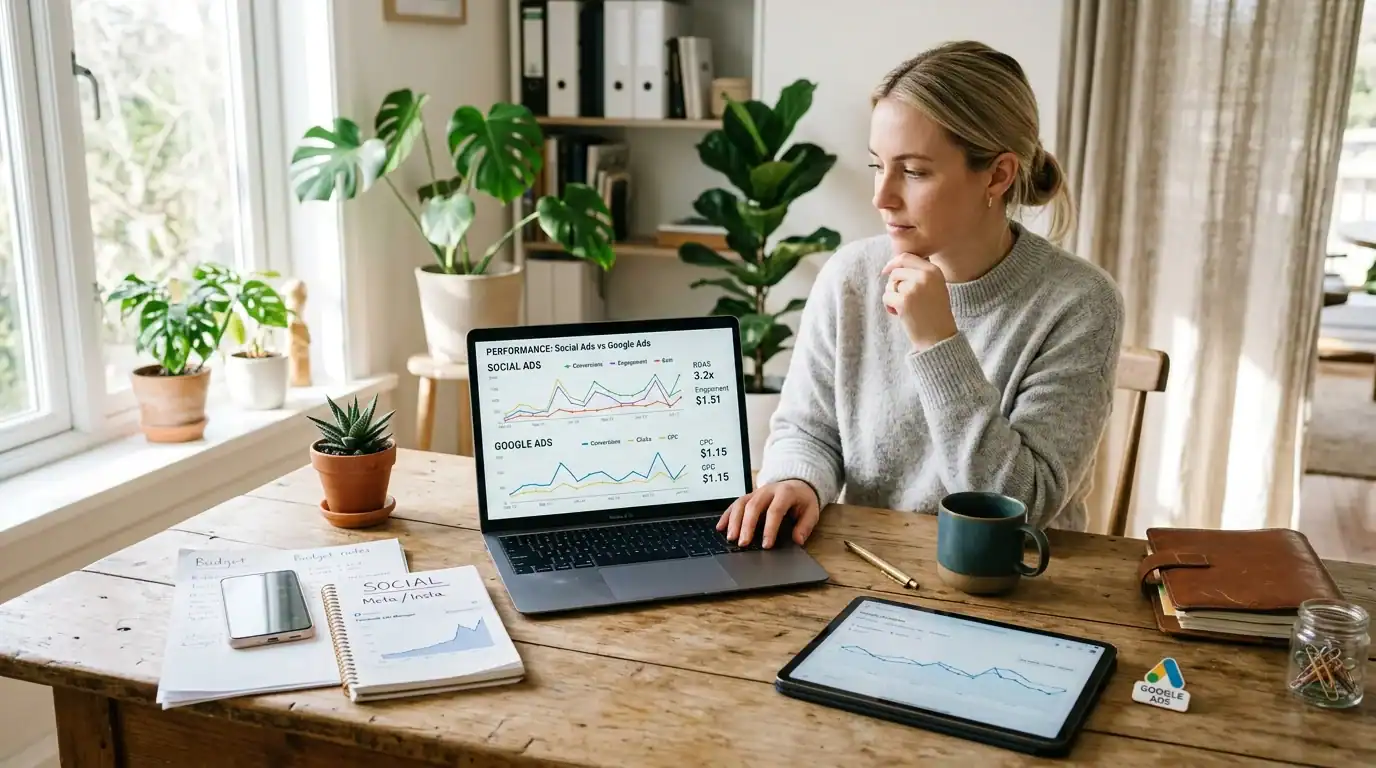
They serve different purposes. Google Ads captures people actively searching (high intent, higher CPC). Social ads reach people who match your customer profile but aren’t actively searching (lower intent, lower CPC, broader reach).
For most Orlando businesses, I recommend starting with Google Ads if you need immediate leads from people who are already searching for your service. Add social ads when you want to build brand awareness, reach new audiences, retarget website visitors, or promote content.
The businesses that grow fastest use both: Google Ads for demand capture + Social ads for demand generation and retargeting. See our PPC strategy guide for how to balance the two.
Frequently Asked Questions
How long before I see results from social ads?
You can see initial data (impressions, clicks, engagement) within 24-48 hours. Meaningful lead generation results typically emerge after 7-14 days as the platform’s algorithm optimizes delivery. Give any new campaign at least 2 weeks before judging performance.
Can I manage social ads myself?
Yes for basic campaigns. Meta’s Ads Manager has a learning curve but is manageable. Start with boosted posts to learn the basics, then graduate to Ads Manager for more control. For budgets over $500/month, professional management usually pays for itself in better results and less wasted spend.
What’s the minimum budget for social advertising?
$5/day ($150/month) is the practical minimum for testing. Below that, you don’t get enough data to make decisions. For actual lead generation, $300-$500/month is where most businesses start seeing consistent results.
Facebook or Instagram — which is better for ads?
Run both from the same campaign (Meta’s default). Let the algorithm decide which platform shows your ad to each person. If you must choose one: Facebook for older demographics (40+) and community-focused businesses. Instagram for younger demographics (18-40) and visually driven businesses. They share an ad platform, so running both costs nothing extra.
How do I know if my social ads are profitable?
Calculate your cost per lead. Multiply by your close rate. If the customer acquisition cost is lower than your average profit per customer, your ads are profitable. Example: $20 CPL x 5 leads to close 1 deal = $100 customer acquisition cost. If your average profit per customer is $500, you’re making 5x return.
Should I use social ads or Google Ads?
Both if budget allows. Google Ads for capturing existing demand (people searching for your service right now). Social ads for reaching new audiences, building brand awareness, and retargeting visitors who didn’t convert. They complement each other.
Your Social Advertising Action Plan

- Week 1: Install the Meta Pixel on your website (even if you’re not advertising yet — it starts building your retargeting audience)
- Week 2: Create a Meta Business Manager account. Set up your first campaign: traffic or lead generation, targeting people within 10-15 miles who match your customer profile. Budget: $5-$10/day
- Week 3-4: Run the campaign for 2 full weeks. Don’t change anything during the learning phase. Collect data
- Week 5: Analyze results. Which ads got the most clicks? Which audience responded best? Scale winners. Pause losers
- Month 2: Add retargeting. Show ads to everyone who visited your website in the last 30 days. This is usually your highest-ROI campaign
- Month 3+: Test new audiences, new creative, and potentially new platforms. Increase budget on what’s working
Next Steps
Ready to start social media advertising? Our social media marketing services include ad campaign strategy, creative development, audience targeting, budget optimization, and monthly performance reporting. We’re Meta Certified and manage social ad campaigns across Central Florida.
Schedule a free consultation or call (321) 300-4837.
Read more: Social Media ROI | Facebook Marketing | Remarketing Strategies
If this raised more questions than it answered, we’ve got answers to common Social Media questions in our FAQ — covering everything from pricing and timelines to what results actually look like. You can also read verified client reviews from businesses we’ve helped across Orlando and Central Florida.
Our pricing page covers every service we offer including social media ad management. See our social media advertising pricing to see what every service costs.
Your paid social ads need a recognizable brand to convert. We offer full logo design and brand identity services to back your advertising.