

Google Ads Cost in Orlando: What Businesses Actually Spend in 2026
I talk to business owners all the time about Google Ads, and the first question is always the same: “How much is this going to cost?” It’s a fair question. I’ve been running Google Ads campaigns for Orlando businesses for three decades, and I can tell you the answer isn’t “one size fits all.”
Your Google Ads cost depends on your industry, your competition, your targets, and honestly, how smart you are with your budget. Let me break down what you’re actually looking at in 2026.
From the auditor: Dennis Ocasio has delivered digital marketing for 200+ small businesses across Central Florida over 30+ years. Every recommendation here comes from tested, real-world client work — not theory.
Average Cost Per Click in Orlando by Industry
In Google Ads, you’re paying for clicks. The cost changes based on what you’re selling and who’s competing for the same keywords.
Here’s what I’m seeing in Orlando right now:
- Home Services: $5 to $15 per click (plumbing, HVAC, electrical)
- Legal Services: $20 to $50 per click (competitive field)
- Medical/Healthcare: $8 to $20 per click
- Real Estate: $3 to $10 per click
- E-Commerce: $1 to $5 per click (depends on the product)
- B2B Services: $10 to $30 per click
- Local Services: $4 to $12 per click
These numbers matter because they directly affect your monthly spend. If you’re in legal services and pay $30 per click, you need a bigger budget than a real estate agent paying $5 per click.
Monthly Budget Ranges for Small Businesses

Let me give you real numbers based on what I recommend to my clients here in Orlando.
Starter Budget: $500 to $1,000/Month
This gets you about 70-200 clicks per month, depending on your industry. It’s enough to test Google Ads, see if it works for your business, and get some data. You won’t dominate your market, but you’ll learn fast. Good for local services and real estate in less competitive areas.
Growth Budget: $1,000 to $3,000/Month
Now you’re talking about 200-600 clicks. This is where most of my clients land once they see Google Ads actually works. You can compete in moderately competitive keywords, get consistent leads, and build a real pipeline. This is solid for home services, local contractors, and many B2B businesses.
Aggressive Budget: $3,000 to $10,000/Month
This is for businesses that want to own their market. You’re getting 500-2,000 clicks per month and competing for the top spots on every relevant search. Legal firms, medical practices, and high-ticket services usually operate here. You need the budget to justify it, but you’ll see real revenue impact.
Enterprise: $10,000+/Month
Large companies, e-commerce sites, and national brands live here. At this level, it’s not about the budget—it’s about optimizing every dollar to squeeze more profit out of every click.
What Actually Affects Your Google Ads Cost
Your cost per click isn’t random. Four main things drive it:
1. Competition
The more competitors bidding on your keywords, the higher the price. In Orlando, legal services are brutal because there are so many law firms fighting for the same searchers. Real estate is cheaper because fewer agents are using Google Ads effectively.
2. Quality Score
Google rewards good ads. If your ads are relevant, your landing page is solid, and people click your ads, Google lowers your cost. A bad Quality Score? You pay more. This is where professional Google Ads management saves you money.
3. Your Targeting
Broad, vague keywords cost less per click but get fewer conversions. Specific, high-intent keywords cost more but convert better. An “electrician Orlando” search is cheaper than “emergency electrician 32807” but the second one is the customer actually looking to hire you right now.
4. Your Keywords and Bid Strategy
You can bid manually on each keyword or let Google automate it. Automation is convenient but often costs more. Manual bidding gives you control but takes time. Most of my clients hybrid it—automated bidding on solid performers and manual tweaks on the big spenders.
The Real Cost of Google Ads: Beyond Just Ad Spend
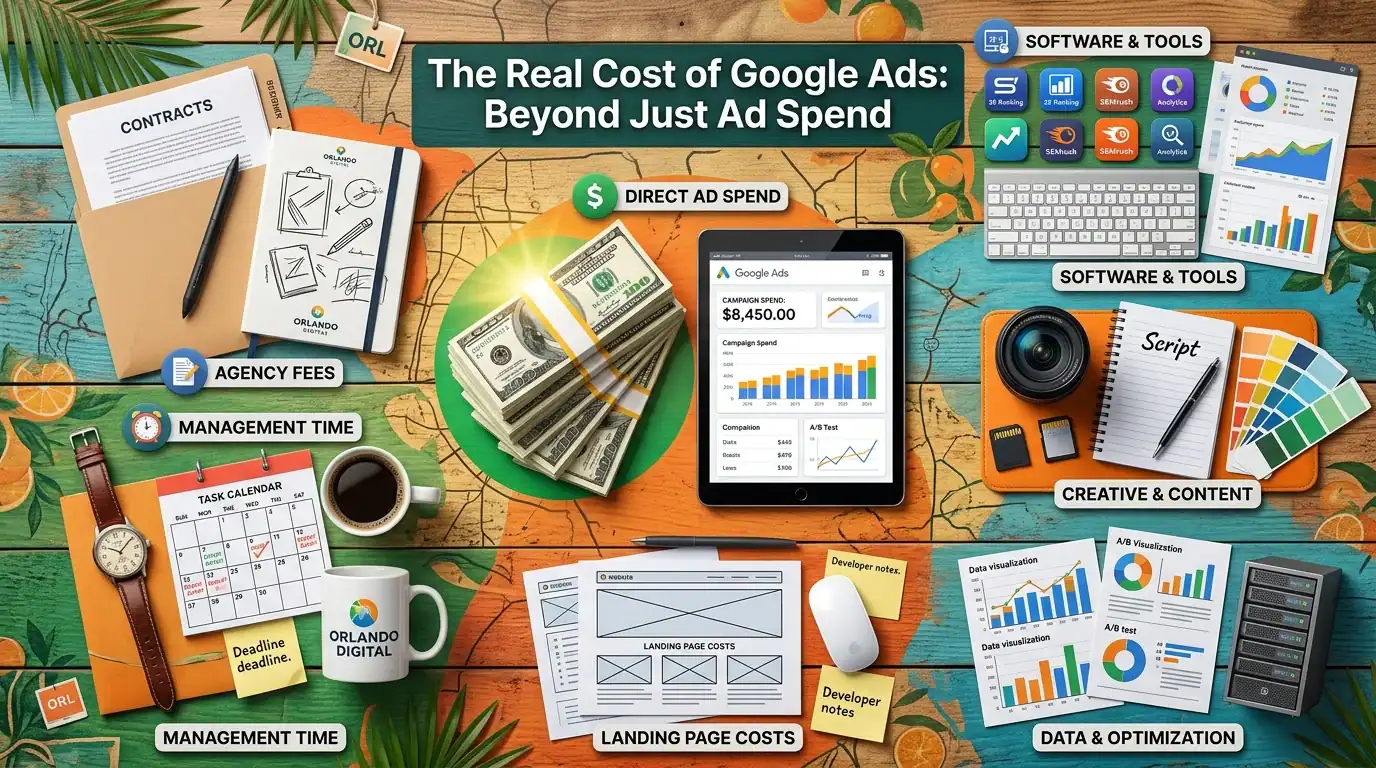
Here’s what a lot of business owners miss. Your Google Ads cost isn’t just what you spend on ads.
You also have to account for management and optimization. If you’re running this yourself, it’s your time. If you hire an agency like Ocasio Consulting, it’s a monthly fee on top of your ad spend.
For my clients, typical setup is:
- Ad spend: $1,000-$3,000/month
- Management fee: $300-$800/month (depending on campaign complexity)
- Total monthly investment: $1,300-$3,800
Is it worth it? Only if those clicks turn into paying customers. That’s the real test.
How to Know If Google Ads Is Right for Your Business
Not every business should do Google Ads. Let me be honest with you.
Google Ads works best if:
- You sell something people actively search for (not just stumble upon)
- You have a healthy profit margin (enough to afford the clicks and still make money)
- You can track a conversion—a call, a form fill, a purchase
- You have the patience to let it run for at least 3 months before judging results
- You’re willing to optimize based on data, not gut feel
If you’re selling $500 products with 20% margins, spending $20 per click doesn’t make sense. If you’re selling $5,000 services with healthy margins, $20 per click is cheap.
A lot of businesses think Google Ads is cheaper than SEO because they see a lower upfront cost. That’s true in month one. But SEO compounds over time. Google Ads stops the day you stop paying.
What I Tell My Google Ads Certified Clients About Realistic Expectations

I’m Google Ads Certified, and I’ve been doing this for 30 years. Here’s what I tell people when they come to me worried about cost.
First, you’re not paying for impressions or for clicks that don’t matter. You only pay when someone clicks your ad. That’s actually the best deal in advertising—you only pay for action.
Second, good Google Ads management saves you money. A lot of people think they can set it and forget it. They can’t. You need to kill the keywords that waste money, double down on the winners, and adjust your bids constantly. If you’re not doing that, you’re throwing money away.
Third, Google Ads isn’t about getting cheap clicks. It’s about getting profitable clicks. A $50 click that turns into a $5,000 client is a home run. A $2 click that never converts is a waste.
Don’t obsess over cost per click. Obsess over cost per customer and profit per customer.
Common Budget Mistakes Small Businesses Make
I see the same mistakes over and over. Let me save you the pain.
Mistake 1: Starting Too Small and Giving Up Too Fast
$200 a month doesn’t cut it. You’ll get maybe 30 clicks. Not enough data to learn anything. You’ll think Google Ads doesn’t work and kill the campaign. Start at $500 minimum. Give it 2-3 months.
Mistake 2: Bidding on Way Too Many Keywords
This spreads your budget thin. You get a few clicks on everything and convert on nothing. Pick 10-20 high-intent keywords and own them. Expand later when you’ve got a winning formula.
Mistake 3: Ignoring Your Landing Page
You can have perfect ads, but if someone clicks and lands on a mediocre page, they bounce. Your landing page needs to match what the ad promised and make it easy to convert. This affects both your conversion rate and your Quality Score (which affects cost).
Mistake 4: Not Tracking Conversions
You can’t know if it’s working if you don’t track it. Set up conversion tracking before you spend a dime. Phone calls, form submissions, online purchases—track all of it.
Mistake 5: Setting It and Forgetting It
Google Ads requires constant attention. Check your account at least once a week. Look at what’s working, what’s not, and adjust. Spend 2 hours a week and you’ll beat 90% of businesses trying to do this themselves.
Mistake 6: Bidding the Same Amount on Every Keyword
Your keywords aren’t equal. Some convert at 10%, others at 1%. Your bids should reflect that. Bid more on your winners, less on everything else.
Mistake 7: Competing on Price Alone
If you’re trying to win on being the cheapest option, you’ll lose to someone with a bigger budget. Compete on value instead. Show why you’re worth the price.
Getting the Most Value From Your Google Ads Budget

Here’s how to stretch every dollar:
Test everything before you scale. Start with small budgets on new keywords, new audiences, new ads. Once something works, increase the budget. This keeps you from wasting money on things that don’t work.
Use negative keywords. These are keywords where you do NOT want your ads to show. A recruiter doesn’t want to show ads to people searching “free jobs.” Block those searches and save money.
Use location targeting. If you’re a local business in Orlando, you don’t need clicks from Tampa. Narrow your location targeting and lower your cost per qualified click.
Use ad extensions. Adding phone numbers, location, links to specific pages—all free and they improve your ad. Better ads = better Quality Score = lower cost.
Review search terms constantly. Google will match your keywords to related searches. Some are gold, some are garbage. Make those garbage searches negative keywords.
Test different ad copy. Try two versions of your ad. Run them for a week. Kill the loser, keep the winner, create a new challenger. Continuously improve.
Google Ads vs. Other Orlando Marketing Options
You could spend that budget on SEO, social media, or traditional marketing instead. What should you choose?
Google Ads vs. SEO: Google Ads is fast—you get clicks immediately. SEO takes 3-6 months but compounds. Ideal combo? Do both. Ads get you immediate traffic while SEO builds long-term asset.
Google Ads vs. Facebook Ads: Google Ads targets people actively searching. Facebook Ads targets people based on interests. Google usually converts better for local services and high-intent products. Facebook is better for awareness and lower-intent offers.
Google Ads vs. Local Services Ads: Google Local Services Ads show for things like plumbing, HVAC, and cleaning. You pay per lead, not per click. If they’re available for your industry, test them alongside regular Google Ads.
Should You Use Google Ads in Orlando in 2026?

My honest answer: It depends on your business.
If you sell something people actively search for, have decent margins, and can track results, yes. Google Ads is worth testing.
If you’re bootstrapping on a tiny budget, not sure about your margins, or haven’t validated your business model yet, maybe hold off. Learn to optimize your website first. Get digital marketing fundamentals right. Then add Google Ads when you’re ready to scale.
The good news? We can help you figure it out. Let’s talk about your specific situation and whether Google Ads makes sense for you.
Ready to Run Google Ads the Right Way?
I’ve spent 30 years learning what works and what doesn’t with paid advertising. Our team at Ocasio Consulting is Google Ads Certified and ready to manage your campaigns. No guesswork. No wasted clicks.
Want to see what your cost might be? Let’s talk. Check out our pricing page to see what different service levels look like, then get a free quote for a free consultation about your specific industry and budget.
Or just call me. I like talking about this stuff. (321) 300-4837
Frequently Asked Questions

How much should a small business spend on Google Ads?
Start with $500-$1,000 per month. That’s enough to test if Google Ads works for your business without breaking the bank. If it works, scale up to $2,000-$3,000 per month. Track your return on investment closely.
Why is my Google Ads cost so high compared to my competitor?
Could be several things: lower Quality Score, bidding too high on all keywords, targeting too broadly, or competing in a more expensive industry. We can audit your account and find the leaks.
Can I run Google Ads for $100 a month and see results?
You’ll get about 15-30 clicks. That’s not enough data to know if it works. You need at least 50-100 clicks to start seeing a pattern. Start with $500 minimum.
Is Google Ads cheaper than SEO?
Cheaper initially, yes. But SEO compounds over time. Google Ads stops when you stop paying. The best strategy? Do both. Ads for immediate results, SEO for long-term growth.
How long does it take to see ROI from Google Ads?
Typically 1-3 months. You need enough clicks and conversions to know what’s working. Give it at least 2-3 months before you judge whether it’s worth continuing.
What’s the difference between Google Ads cost and Google Ads management cost?
Ad spend is what you pay Google for clicks. Management cost is what you or an agency charges to run and optimize the campaign. A $1,500/month campaign might have $300 management on top of that.
Should I hire an agency or do Google Ads myself?
If you have 5-10 hours a week and want to learn, DIY works. If you don’t, an agency pays for itself by optimizing your campaigns better than you can. We manage accounts where better optimization saves 30-40% on cost per lead.
If this raised more questions than it answered, we’ve got answers to common Google Ads questions in our FAQ — covering everything from pricing and timelines to what results actually look like. You can also read verified client reviews from businesses we’ve helped across Orlando and Central Florida.
Cost overruns almost always trace back to the same handful of errors — read my post on the Google Ads mistakes small businesses make to make sure your budget is not leaking.
We break down every service on our pricing page so you know exactly what you are paying for before we ever talk. See our transparent pricing page to see what every service costs.
Track every dollar of your Google Ads spend with proper UTM parameters — my free UTM builder makes it easy.
Track every dollar of your Google Ads spend with proper UTM parameters. My free UTM builder tool generates the right tags for every campaign in seconds.
We manage Google Ads campaigns for businesses in Lake Mary, Sanford, and throughout Seminole County.
We manage Google Ads campaigns for businesses in Lake Mary, Sanford, and throughout Seminole County.